


Quick answer
How should facilities teams maintain standing desks?
Identify each desk and its current manual, assign an owner, and record external condition, approved cleaning, cable condition and surrounding clearance. Set review intervals from the selected manufacturer's instructions and site requirements. Report abnormal behavior without repeated fault testing, withdraw a desk when its condition raises a concern, and close the record only after the designated service person confirms the next steps. Do not apply universal torque, lubricant, reset or cleaning instructions to a mixed fleet.
A standing desk maintenance checklist that leads to an action
Use the table as a record template, not a universal service schedule. Mark an item checked, not applicable or unresolved; an empty box must not silently mean that the desk passed.
- Desk identity and location
- What happened and when
- No improvised repair
- Manual and condition review
- Use or withdrawal status
- Named service contact
- Authorized model-specific work
- Parts and actions recorded
- Return-to-use decision
| Check | Record | Decision or handoff |
|---|---|---|
| Asset and instructions | Location, desk/model reference, component versions and manual | Resolve uncertain identity before applying a service procedure |
| Desktop and frame | Visible damage, changed attachment or unusual condition | Report structural concerns; follow the withdrawal procedure |
| Accessible connections | Missing hardware or visibly changed joints without disassembly | Use the approved service route; do not guess a tightening value |
| External leads and connectors | Damage, trapped routes, strain or unsupported accessories | Stop use where condition raises a concern; competent assessment |
| Movement surroundings | New storage, chair arms, screens and cable restrictions | Resolve layout changes before permitted operation |
| Cleaning | Material, approved method, responsible team and exception | Refer unknown chemicals or liquid entry to the right owner |
| Reported behavior | Exact user observation and relevant recent changes | Escalate rather than repeatedly reproducing a suspected fault |
| Close-out | Service action, parts/version, responsible person and release | Keep the desk's status clear until a return decision is recorded |
Build the routine around the desks you actually operate
An office can contain desks from several purchase dates, different tabletops and replacement controls that look almost identical. A useful maintenance program makes those differences visible. It should help the person answering a user report identify the correct instructions without crawling under an operating desk or guessing from a photograph of the handset.
Create a small asset record before adding inspection tasks
Give each installed desk a location or asset reference that users can report. Link it to the order, desk model, tabletop configuration and available labels for the drive, control box and handset. Keep the corresponding manual and service contact accessible to the responsible team. Record a replaced component when the change occurs, rather than expecting the original purchase order to describe the desk forever.
The record can be a shared spreadsheet or an existing facilities system. Useful fields are the asset reference, room, configuration, instruction version, owner, current status, last observation, unresolved issue and next review. Choose a format that the team will update. A large form containing guessed component data is less useful than a short record that clearly identifies what is known and what needs confirmation.
Keep a baseline after installation or an approved change: ordinary external photographs, the agreed accessory layout and a note of outstanding items. This helps distinguish a newly trapped cable from a longstanding arrangement without presenting a photograph as proof of electrical or mechanical safety. Protect workplace information in images and do not ask users to photograph a hazardous area to complete the record.
Observe connections without turning the checklist into a repair
Look for visible damage to the top, frame, feet and externally accessible attachment areas in the manner the desk instructions permit. Record an unusual gap, missing item or changed alignment precisely. Name the location rather than writing only loose desk. The point is to give the service owner a useful observation; a visual check does not establish joint strength or the condition of hidden components.
A housekeeping team should not tighten every screw it can reach. The correct method depends on the joint, hardware, tabletop construction and manufacturer's service instructions. Repeated tightening can also hide a recurring problem. If an attachment appears insecure, make the use-status decision through the site's procedure and obtain the appropriate review instead of guessing torque or fitting a similar-looking fastener.
Treat cleaning as a material and component instruction
Separate the desktop finish, coated frame, handset and accessories in the cleaning brief. Record the approved product or method, application precautions and any required isolation steps from the applicable instructions. A contract cleaner should know which method belongs to which surface and where to refer an unfamiliar spill or stain. Do not convert the word laminate, wood or metal into a universal chemical-compatibility claim.
Vari's product-cleaning document separates material families, while Progressive Desk discusses tabletop damage and care. These first-party examples support obtaining the right surface instructions; their recommendations are not permission to apply the same chemical to MENBRO products. LINAK's panel guidance also warns about moisture entering electronic openings. Keep the selected controller's own instructions distinct from a general furniture-cleaning sheet.
Do not add a lubrication task without model-specific direction. A column that contains moving parts is not an invitation to spray lubricant into it. Internal drive or electrical service belongs to the authorized or competent provider identified for that desk. The facilities checklist should record the referral and outcome, not invent an access method, lubricant type or disassembly sequence.
Review cables and clearance when the workspace changes
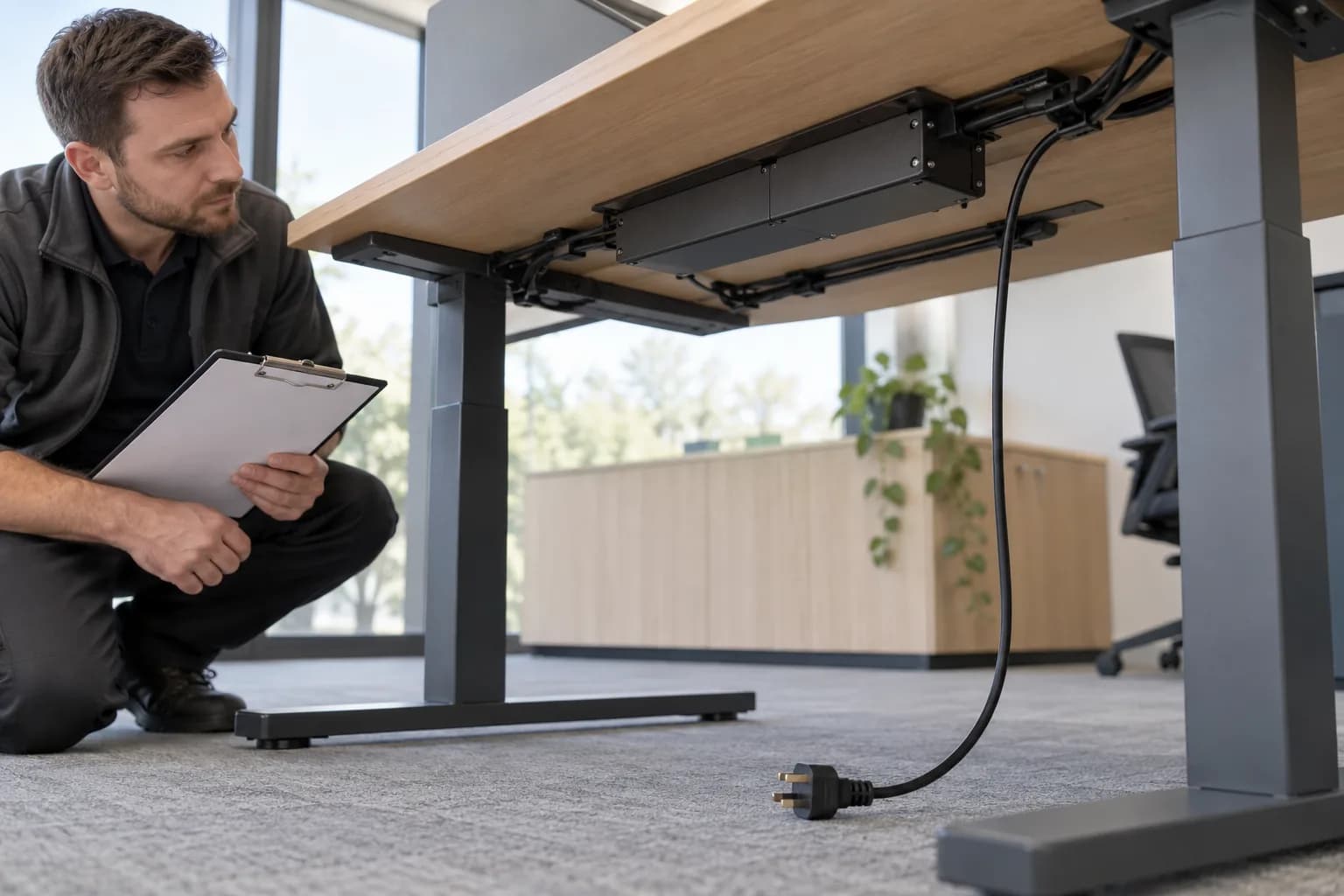
Users add monitors, chargers, storage and screens after handover. A cable that was suitable for the original layout may become restrained when equipment moves or a lead is tied to a fixed object. Include external cable condition, support and the relationship between moving and fixed items in the review. Do not unplug, reseat or manipulate a suspect connection while energized to see whether the desk responds.
Check the space around the desk before any permitted normal movement: above the top, behind equipment, beside fixed furniture and beneath the work surface. Review chair arms, drawers and new storage as well as obvious wall obstacles. OSHA's desk guidance provides general context for user clearance; it is not a universal moving-desk gap specification. Use the selected instructions and site's requirements for the actual arrangement.
An operational review is appropriate only where condition and instructions allow it. Do not repeatedly cycle a desk with damaged cabling, uncertain structural condition or abnormal motion in order to finish a checklist. Record the concern and assign service. Follow the manufacturer's permitted use and duty instructions rather than treating a repeated movement test as harmless exercise.
Set review triggers and make shared-user reporting easy
Choose planned review intervals using the manufacturer's instructions, occupancy, use pattern, environment and site assessment. Record who made that decision and where the requirement came from. Add event-based triggers such as relocation, a changed top or accessory, an incident, a spill affecting components or a repeated user report. This guide supplies no universal monthly inspection, annual service or useful-life figure.
Give shared users a short reporting route: identify the desk, describe the event and say whether use has stopped. Ask for the sequence in ordinary words, any displayed message and relevant changes. Avoid leading questions that label every sound a motor fault or every unresponsive desk a reset issue. A factual report makes the next assessment easier without encouraging the user to repeat a concern for a video.
From a user report to a clear return-to-use decision
The service record should remain attached to the asset throughout the process. Make responsibility and current status visible so a withdrawn desk is not casually returned to shared use.
- 1. Identify and listenLocate the asset record and capture what the user observed, when it happened and what changed beforehand. Record the current desk configuration and whether the report concerns appearance, operation, a connection or the surrounding layout. If identity is uncertain, keep it as an open item rather than choosing instructions for a similar-looking model.
- 2. Decide the immediate statusApply the site's procedure and relevant instructions. Where damage or behavior creates a concern, stop use, restrict access as appropriate and arrange competent assessment. Use the prescribed safe isolation route where required; do not touch suspect exposed or damaged electrical parts. An inspection form must never require another movement before a desk can be withdrawn.
- 3. Send a useful service briefProvide the responsible supplier or service provider with the asset, order and model references, factual observations, permitted photographs and relevant changes. State what has already been done and by whom. Ask for the instructions and service route for the identified configuration. Keep an unknown warranty entitlement separate from the need to resolve the condition.
- 4. Record authorized workLog the service person's assessment, the instructed action and any replaced part with its identity or version. Record a revised manual or configuration where relevant. Do not write fixed merely because a symptom disappeared during one attempt. If work is outside the facilities team's competence, the record should name the provider handling it and retain the desk's current status.
- 5. Confirm the releaseHave the designated person confirm that the instructed work and relevant checks are complete and state any restrictions. Update the asset record before telling users the desk is available. Brief affected users on changed controls or instructions. This closes the operational handoff; it does not turn the facilities record into a product certificate or guarantee against later faults.
- 6. Review repeat issuesCompare recurring reports by configuration, location and recent changes. A repeated cable-routing problem may need a coordinated layout review rather than another isolated service ticket. Ask the appropriate provider to assess patterns. Use recorded events to refine the local routine without claiming a failure rate, root cause or preventive interval that the data cannot establish.

What to Check Before You Order
Facilities desk-care record: fields to keep
- Asset reference, room and current use status
- Desk, top, drive and control identities where available
- Applicable manual/version and named service contact
- Check date, responsible person and review trigger
- Visible top, frame and accessible connection observations
- External cable condition, support and moving/fixed interfaces
- Surrounding storage, equipment and clearance changes
- Surface-specific approved cleaning instructions and exceptions
- User report, factual behavior and relevant recent changes
- Withdrawal/escalation decision and assigned action owner
- Authorized work, part identities and follow-up requirements
- Documented release and next planned or event-triggered review
Plan documentation and support with the desk configuration
For a new project, send the intended desk use, quantity, destination and facilities requirements. For an existing installation, include the order/model identity and factual issue record so MENBRO can confirm the appropriate documentation and next contact.
See the MENBRO Showroom and Product Range
Watch a short introduction to MENBRO's office chairs, standing desks, lounge furniture and showroom. Ask our team for the current details of any model you are considering.
Frequently Asked Questions
What belongs in a standing desk maintenance checklist?
Include the desk's asset and model identity, applicable manual, visible condition of the top and frame, externally accessible fixings, cables and connectors, surrounding clearance, approved cleaning instructions, reported behavior and service history. Record who checked it, what was observed and who owns the next action. A completed visual checklist is not an electrical safety inspection or a repair certificate.
How often should facilities teams inspect standing desks?
Use the selected manufacturer's instructions and the site's risk and use assessment to set and document the interval. Shared use, relocation, equipment changes, incidents or repeated reports may require an additional review. There is no single daily, monthly or annual interval that this guide can safely assign to every desk, control system and commercial setting.
Should every loose-looking fixing be tightened immediately?
No. Record the location and condition, then follow the model's service instructions and assigned responsibility. A missing, loose or damaged connection may require the desk to be withdrawn from use pending review. Do not guess torque, substitute hardware or keep tightening an attachment that may have damaged threads or a damaged desktop substrate.
Can one cleaning product be used on the whole desk?
Only if the relevant manufacturers approve it for every affected surface and component. The tabletop finish, coated frame, handset and accessories can have different restrictions. Record the approved method and precautions, including the instructed power-isolation procedure where applicable. Keep liquids away from electronic openings; a general surface cleaner is not automatically suitable for a controller or connector.
Does a standing desk need routine lubrication?
Do not add lubricant because a generic maintenance article recommends it. Follow the exact desk and drive-system instructions or obtain written service guidance. Lubricant type, location, access and need are system-specific. Facilities staff should not open lifting columns or control housings, spray into mechanisms or attempt internal work outside their authorization and competence.
When should a desk be taken out of service?
Stop use and follow the site's escalation procedure when damage, a compromised power lead, liquid entry, an insecure structural connection or abnormal movement creates a concern. Do not repeatedly operate the desk to reproduce a suspected unsafe condition. Arrange assessment by the designated competent or authorized service provider and record the decision before returning it to users.
What information helps MENBRO review a service enquiry?
Provide the order or asset reference, desk and component labels, location, applicable manual, factual symptom description, relevant changes and clear photographs taken without creating a hazard. Explain whether the desk is withdrawn from use and what an authorized person has already done. Confirm the available support and documentation for the exact configuration; this guide does not establish a warranty term or diagnosis.
References and Further Reading
These references support the product-selection and technical guidance in this article. Product availability and specifications can vary by model and project.
- LINAK DL5/DL6 system manual — Named-system use, maintenance and service boundaries; not MENBRO instructions.
- LINAK DPB and panel care — Manufacturer documentation and moisture precautions for its own panels; chemical details are not transferred.
- Vari product cleaning guide — First-party example of material-specific cleaning guidance.
- Progressive Desk tabletop care — Manufacturer care discussion; use the selected tabletop's actual instructions.
- OSHA desk and work-surface guidance — General user-clearance context, not a standing-desk maintenance standard.