
Quick answer
Which standing desk control panel type should a commercial project choose?
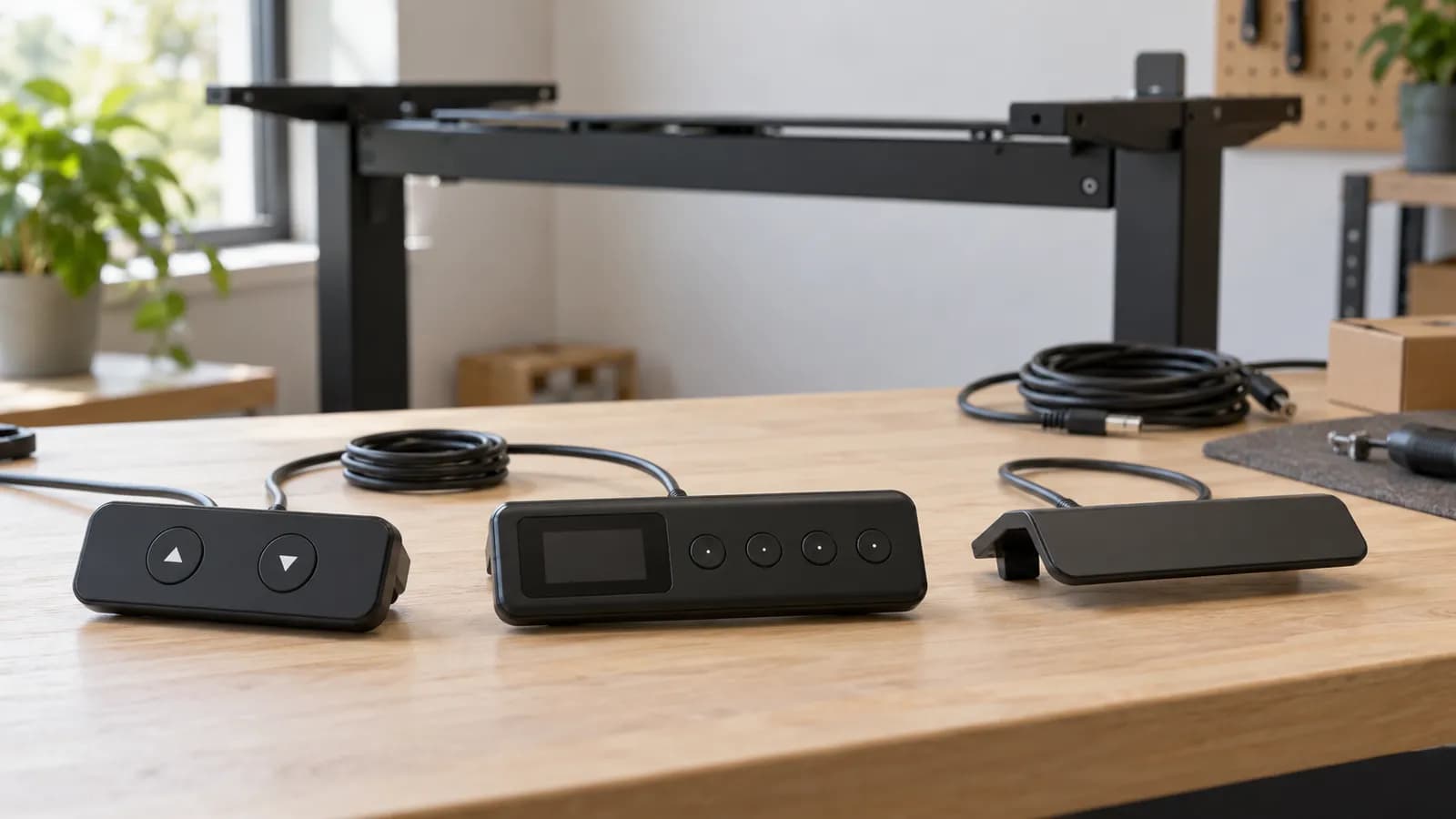
Choose from simple up/down, display and memory, paddle or touch interfaces according to how people will use the desks. Then confirm the exact handset, control box, lifting system, cables and applicable versions as a matched configuration. Check mounting, instructions and shared-user operation on the actual sample. Interface appearance alone does not establish memory behavior, movement mode, collision protection or interchangeability.
Compare control panel types by the decision they support
These are interface categories, not a ranking or a MENBRO standard-feature list. A supplier must confirm which functions the proposed complete system actually supports.
- Button, paddle or touch action
- Display and memory behavior
- Shared-user handover
- Reach and edge position
- Mounting and cable route
- Clearance with accessories
- Handset, box and drive identities
- Hardware and software versions
- Approved replacement route
| Interface | Potential project fit | Confirm on the selected system | Do not infer |
|---|---|---|---|
| Basic up/down keys | A straightforward local interface where users adjust by observation | Required press action, response, markings and accessible mounting | That few buttons eliminate training or guarantee system compatibility |
| Display with memory keys | Repeat users who need stored reference positions and visible feedback | Units, saving and recall steps, movement mode and how shared users overwrite settings | That memory means personal profiles, one-touch travel or accurate surface-height measurement |
| Paddle or switch | Projects evaluating a direct physical action with a compact appearance | Direction cues, feedback, any secondary gestures and supported functions | That every paddle has a display, memory or the same operating sequence |
| Touch-style interface | A design-led desk where the interaction can be demonstrated clearly | Recognition of input, display readability, accidental contact and supported cleaning instructions | That a touch surface improves accessibility for every user |
| Connected or app-enabled option | A defined use case accepted by the client's users and IT team | Exact hardware support, onboarding, permissions, data handling and operation without the app | That a smart label guarantees connectivity, remote management or an ongoing service |
Choose the user experience and verify the complete system
A furniture brand may want a consistent front-edge appearance; a distributor needs a serviceable product; a facilities team needs people to operate shared desks without confusion. These goals overlap, but they are not identical. Start with the use case rather than requesting the handset with the longest feature list. This is a selection guide, not a reset or fault-code procedure.
Basic buttons: simple does not mean unspecified
A basic up/down handset can make the main action easy to locate, but the desk still needs clear instructions. Confirm the required press action and what users should expect when they release the control. Check the actual supplied markings and whether users can find and operate the buttons from the intended seated and standing positions. Small, hidden controls can undermine a deliberately simple specification.
Record which other functions are available through the exact interface and which require service access or another system component. A two-button unit should not be described as having no extra settings unless the supplier confirms that statement. Equally, a control box's possible functions should not be advertised as user-accessible features if the supplied handset does not expose them in the delivered configuration.
Memory and displays: specify the behavior, not the symbol
A display may provide position feedback and a memory interface may store reference positions, but the details vary. Ask how users save, change and recall settings, what units are displayed and what the displayed value refers to. Confirm any supported adjustment using the model instructions. Do not describe a number on the screen as the measured height of the finished work surface without checking the assembled desk.
Clarify how movement occurs during recall. A memory key does not by itself establish one-touch travel; a specified system may require continued pressure or offer different behavior under permitted settings. Record the delivered mode and show it in the sample. The presence of a display, memory keys or an app is not proof of collision protection, locking or any particular safety performance. Those are separate system-level questions.
Shared desks introduce a specific handover problem: a stored position may have been set by someone else. Decide whether the project will explain shared reference positions, let users overwrite them or choose a simpler adjustment workflow. Do not assume numbered memory keys create personal profiles. Have users unfamiliar with the sample perform the normal actions with the proposed quick-start guide, then record where the instructions were unclear.
Paddles, touch controls and connected options need real users
Paddles and switches can offer a different physical action from a row of buttons. Some versions provide additional feedback or gestures; others do not. LINAK's DPF and DPG1C materials illustrate that capabilities are associated with named variants. TiMOTION's control-design article similarly shows several interface styles. Neither manufacturer's portfolio establishes which functions are present in a MENBRO quotation.
For touch-style controls, check where the user touches, how input is recognized and whether the status is legible in the intended lighting. Evaluate accidental contact during normal desk use and follow the manufacturer's cleaning instructions. Test reach, dexterity and understanding with people representative of the workplace; do not declare an interface accessible for everyone based on its appearance. Record any project accessibility requirement separately for supplier review.
Connected controls should solve a stated problem rather than introduce an unexplained dependency. Ask whether a phone or account is needed, how the client handles installation and permissions, what data or network access is involved and how the desk operates without the app. A shared workplace may prefer local operation. Confirm support responsibilities and available documentation before making connectivity part of a tender or branded product promise.
Mounting and cable routing change the practical choice
Place the handset on the actual desktop and frame drawing. Check reach, sightline, front-edge profile, mounting access and the route back to the control box. A slim control may still project into a chair arm's path, conflict with a drawer or sit where a user cannot see its display. Consider left- and right-side installation requirements explicitly rather than assuming the same fixing arrangement works in both places.
Route the handset cable with the other installed accessories and review it through the intended desk movement. Provide the instructed connection and strain-management arrangement without stretching, pinching or modifying leads. The cable tray, monitor clamp and control box must leave access for assembly and later service. Include the approved mounting hardware in the sample, particularly when the desktop construction differs from the supplier's usual example.
A matched connector is not a matched drive system
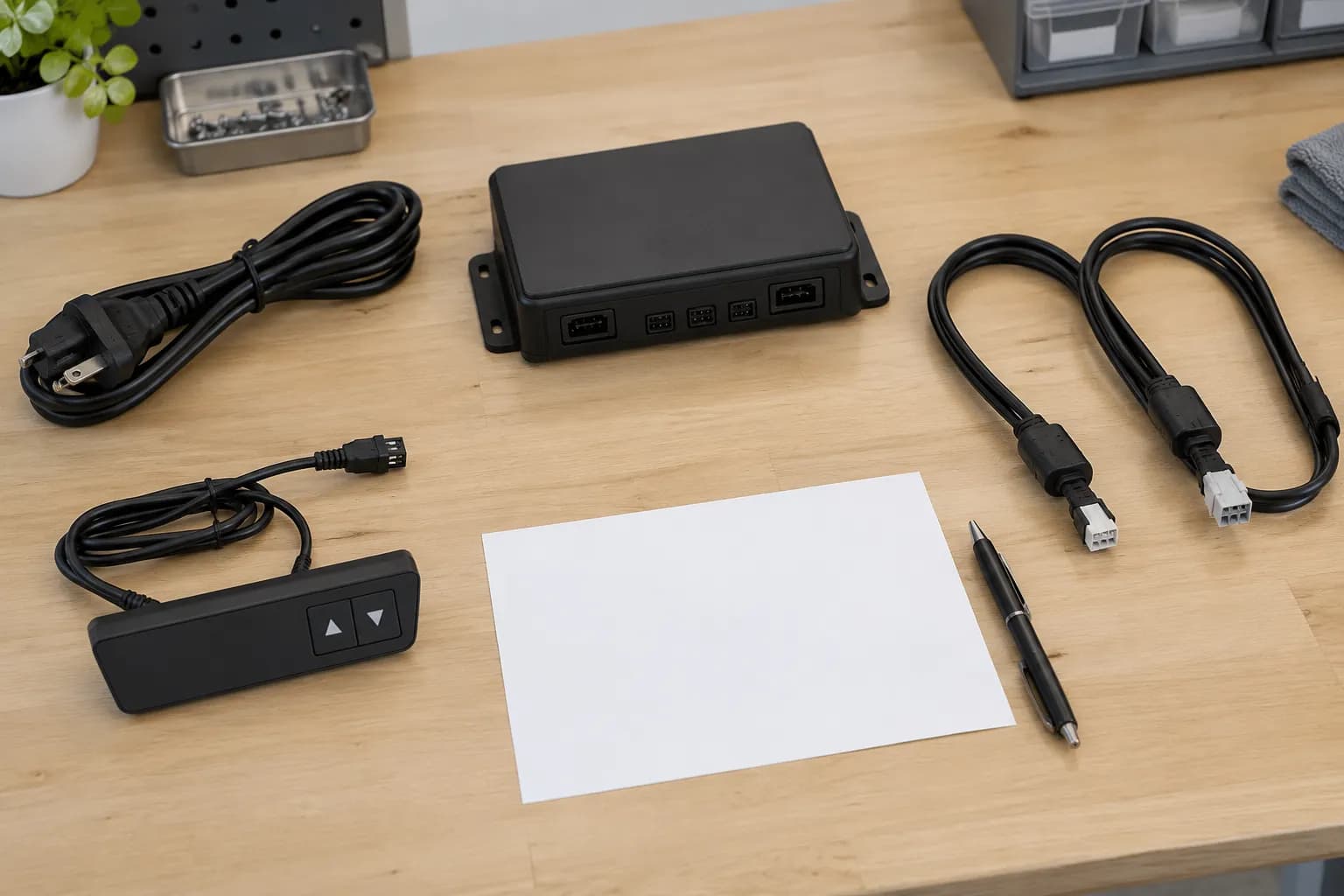
Ask the supplier to identify the handset, control box, lifting columns or drive arrangement, cables and relevant hardware and firmware versions together. The connector's outer shape does not establish its electrical characteristics, communication or supported functions. LOGICDATA's named touch-control product documentation is a useful reminder to review the specified variant and its system context rather than shopping by appearance. Do not trial unapproved components or alter wiring.
Keep a written compatibility statement tied to the proposed combination and destination configuration. It should identify the relevant manuals and any limitations, not simply say that the handset is compatible with standing desks. If an alternative is offered during production, request the affected identities, functional differences and sample-review requirements before acceptance. The question is whether this combination is supported, not whether the plug can be inserted.
Lifecycle changes make this more than a first-order concern. On 13 May 2026, LOGICDATA announced COMPACTneo and a planned phase-out of its older COMPACT range in 2027. This is a dated example of why projects should retain component identities and replacement plans; it is not a statement that MENBRO uses either range, that the phase-out has already happened or that those products can be substituted without review.
A practical control-panel sample acceptance process
Agree the actions that matter before the sample arrives. Keep normal user evaluation separate from any qualified technical or compliance testing required for the project.
- 1. Define the user scenarioState whether desks are assigned, shared, visitor-facing or managed by a facilities team. Identify required local actions, languages and accessibility needs. Separate necessary functions from design preferences so an attractive display does not conceal an unresolved operating requirement.
- 2. Request the system identityObtain the proposed handset and box references, lifting-system identity, cables and relevant versions. Ask the supplier to confirm the supported combination, delivered functions and applicable instructions. Include destination electrical requirements without treating the handset selection as proof of complete-desk conformity.
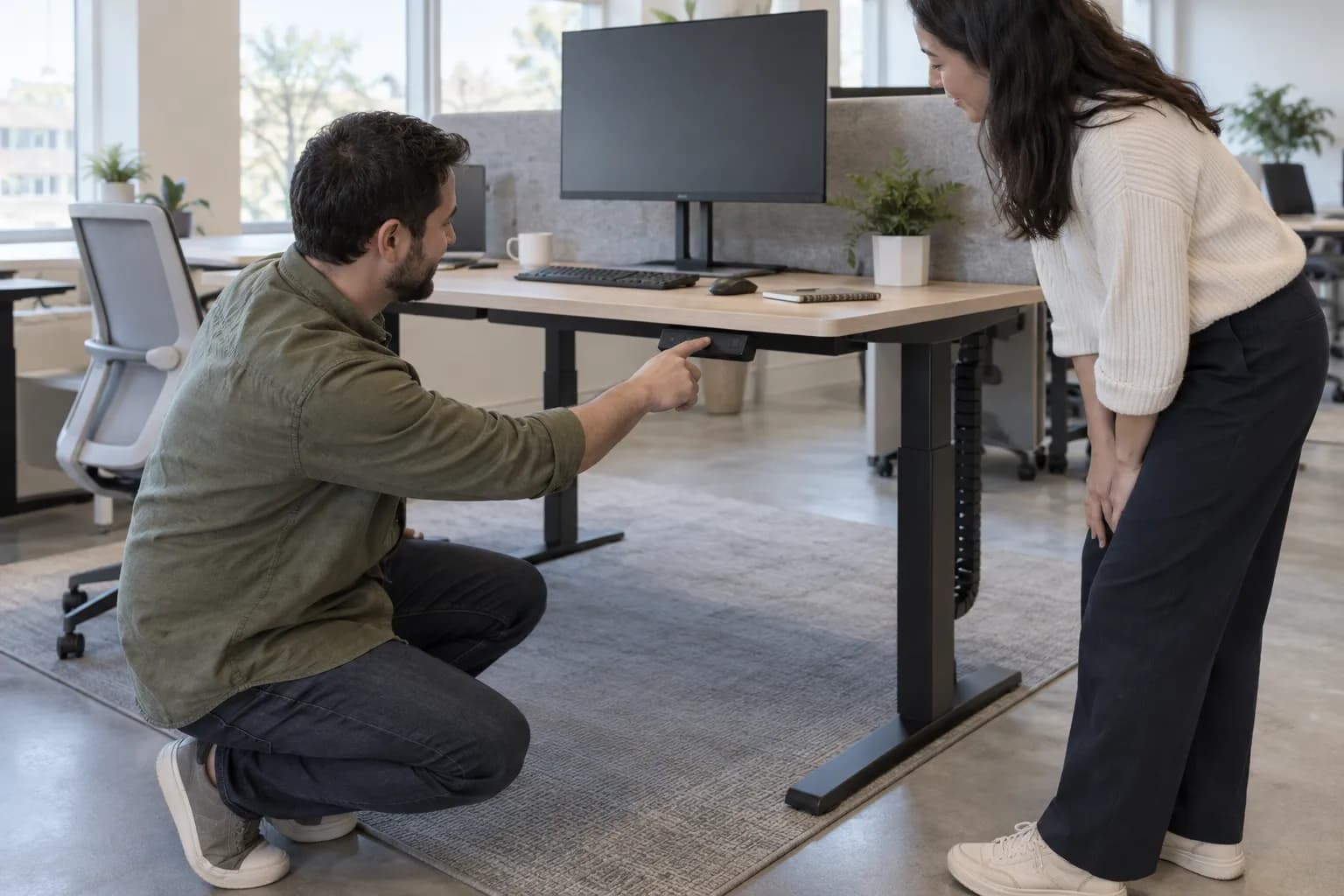
- 3. Review the installed positionMount the sample using the proposed desktop, fixings and accessories. Check reach, visibility, edge projection, knee or chair-arm interference and service access. Review the cable route through the instructed operating range. Record any temporary sample parts that differ from the intended order.
- 4. Demonstrate normal useUse the supplied manual to demonstrate up/down action, display interpretation, memory saving and recall where supported, plus the agreed shared-user handover. Record the actual press behavior and feedback. Do not invent a generic reset sequence or ask users to perform unsafe collision or electrical experiments.
- 5. Resolve the gapsLog unclear instructions, unexpected operation and requested changes against the named sample. Decide accept, revise or hold, with a responsible person and a repeat-check requirement. If a function was not demonstrated or its documentation is missing, leave that item open instead of converting a sales description into acceptance.
- 6. Retain the service referenceLink the accepted handset, box, drive arrangement, manuals and mounting details to the ordered desk version. Define the approved replacement contact and the identity information needed for a future request. Review any successor part as a proposed change; do not promise an unconfirmed availability period.
What to Check Before You Order
Control panel specification checklist for a commercial order
- Name the user scenario and the actions that must work without extra equipment or an app.
- List required functions separately from optional appearance, connectivity and display preferences.
- Confirm actual saving, recall, movement, feedback and shared-user behavior for the delivered mode.
- Check units and what the display represents against the assembled desk and model instructions.
- Record the handset, box, drive-system and cable identities plus relevant hardware or firmware versions.
- Request written pairing confirmation and the manual that applies to this exact configuration.
- Coordinate mounting, reach, visibility, edge clearance and cable routing with the desktop drawing.
- Use a representative sample and record demonstrated functions, open items and the acceptance decision.
- Tie order descriptions, instructions and spare-part requests to the accepted system version.
- Ask how proposed component changes and successor parts will be reviewed before substitution.
Specify the interface and its matched system
Send the desk reference, user scenario, required functions, destination and mounting preference. MENBRO can review the proposed configuration and identify the documentation and sample checks needed before you order.
See the MENBRO Showroom and Product Range
Watch a short introduction to MENBRO's office chairs, standing desks, lounge furniture and showroom. Ask our team for the current details of any model you are considering.
Frequently Asked Questions
What are the main standing desk control panel types?
Common interfaces include simple up/down buttons, display handsets with memory keys, paddles or switches, and touch-style controls. These categories describe user interaction, not a guaranteed feature set. Confirm the exact handset and system documentation for every proposed desk configuration.
Is a memory handset always better for shared desks?
Not necessarily. Shared users need understandable operation and a clear handover method. Stored positions may belong to the previous user, and the number of memories says nothing about personal profiles. Compare the actual saving, recall and movement behavior with a simple interface during the project sample review.
Can I replace a handset with another that has the same connector?
Not on that basis alone. Obtain written confirmation covering the handset, control box, lifting system, cable and applicable hardware or firmware versions. Connector appearance does not establish electrical, communication or functional compatibility. Do not modify wiring to make an unapproved handset fit.
Does a display show the exact working-surface height?
Do not assume this without checking the model instructions and assembled sample. Confirm units, reference point, any supported adjustment and the relationship between the displayed value and the actual desktop surface. A display is an interface feature, not a measurement certificate.
Does a memory button mean one-touch movement?
No. Some configurations use hold-to-run recall and others support different behavior under specified settings. Confirm the supplied system's actual operating instructions and demonstrate the intended behavior. Never infer movement mode, locking or collision protection from the memory symbol alone.
Should every project choose an app-connected controller?
Only if it solves a defined need and the exact system supports it. Review phone access, account requirements, privacy, IT policy, onboarding and non-app operation. A basic accessible handset may be more suitable for a shared workstation than an app-dependent workflow.
What should MENBRO receive before quoting a control panel?
Provide the desk reference, user scenario, required functions, mounting preference, destination and service expectations. For an existing installation, identify the current handset, box, drive system and versions. Ask MENBRO to confirm a matched configuration and the available model-specific documentation rather than quoting an interface in isolation.
References and Further Reading
These references support the product-selection and technical guidance in this article. Product availability and specifications can vary by model and project.
- LINAK: DPF with display — First-party interface and variant information; no publication date stated. Reviewed 16 October 2026. Features remain specific to the named version and system.
- TiMOTION: desk control design choices — Manufacturer article dated 30 August 2018, reviewed 16 October 2026. Examples of interface styles, not a universal compatibility guide.
- LOGICDATA: CBI-DMItouch-B — Named product documentation supporting variant-specific review; no publication date stated. Reviewed 16 October 2026.
- LINAK: DPG1C operating guidance — First-party instructions illustrating why operation must follow the actual control version. Reviewed 16 October 2026; not instructions for MENBRO desks.
- LOGICDATA: COMPACTneo launch and lifecycle announcement — Dated 13 May 2026, reviewed 16 October 2026. The announced 2027 COMPACT phase-out is future lifecycle context, not a MENBRO sourcing or substitution statement.
- MENBRO COA and documentation requests — Ask for available documentation linked to the exact product or component and check its coverage.