

Quick answer
How do you check standing desk desktop compatibility?
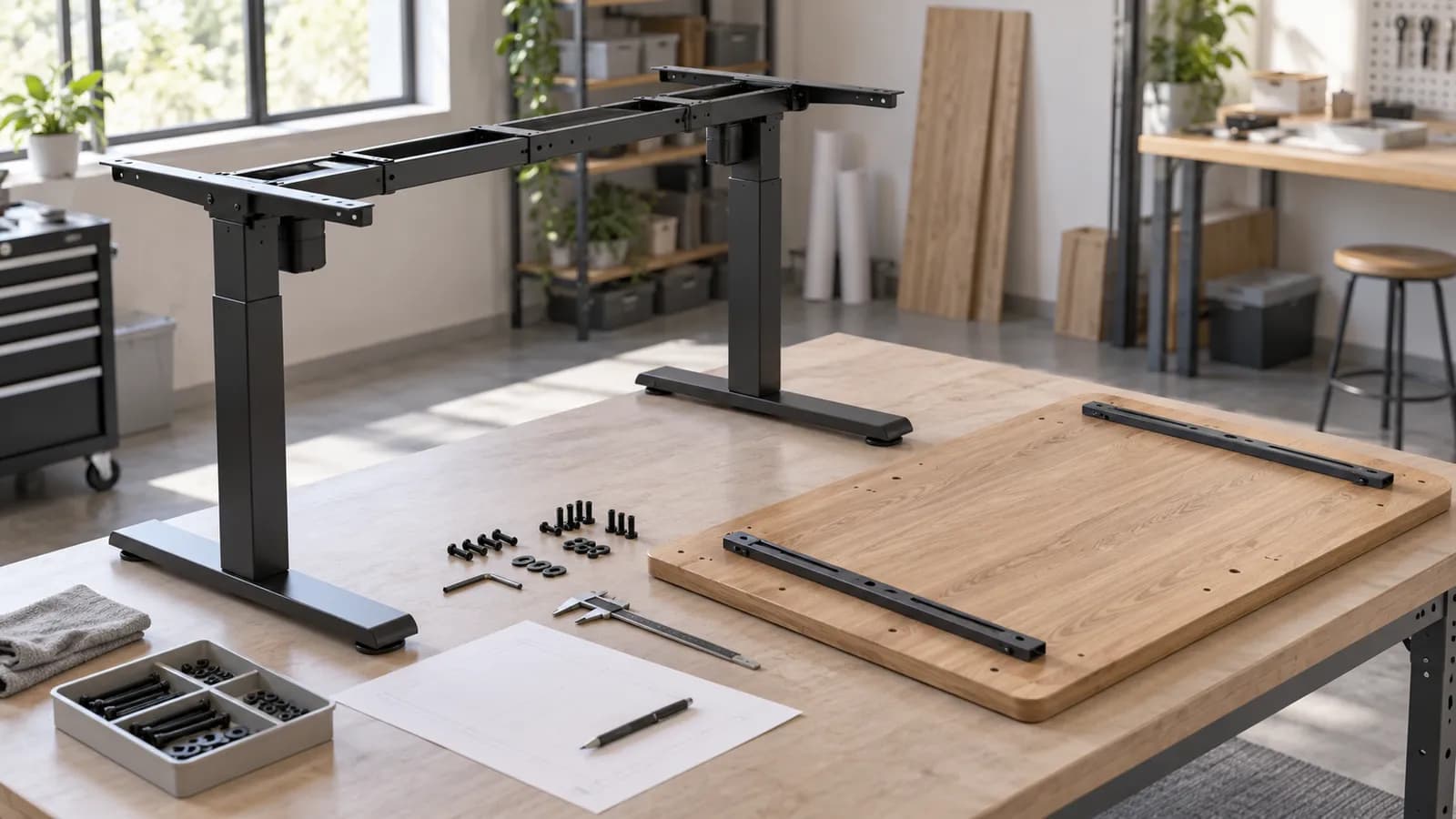
Match the exact desktop and frame drawings, not just overall width. Check support positions, mounting holes, substrate and thickness, the approved fasteners and all underside keep-out areas. Then assemble a representative desk with its intended accessories and confirm the agreed configuration before releasing the order. There is no universal top size, thickness or screw length that proves compatibility across standing desk systems.
A desktop and frame compatibility decision table
Use this as a clarification sheet. The middle column tells the supplier what to return; the last column identifies a reason to pause rather than improvise at installation.
- Top outline and support layout
- Hole centres and mounting method
- Room for knees and accessories
- Actual top construction
- Approved screws or inserts
- Accessible assembly sequence
- Representative finished desk
- Movement and cable review
- Signed drawings and parts list
| Check | Ask for | Hold the decision when |
|---|---|---|
| Top geometry and frame setting | A dimensioned top drawing overlaid with the intended support and rail positions | Only overall desk width or the frame's adjustment range has been provided |
| Mounting pattern | Bracket and hole-centre drawings, orientation, fixing quantity and hardware identity | Predrilled holes are described as universal or the drawing versions disagree |
| Top construction | Material build-up, thickness at fixing locations, edge detail and any reinforced zones | A finish name is given without the underlying substrate or fixing restrictions |
| Fastener arrangement | Approved screw or insert detail, engagement limits and installation instructions | An installer must guess screw length, drilling depth or tightening method |
| Underside layout | Frame, box, handset, cable tray, clamps and cutouts on one coordinated drawing | Accessories compete for the same space or conceal assembly access |
| Complete-desk use | The intended equipment layout, applicable configuration limits and sample review method | A frame-only statement is being used to justify an unreviewed finished desk |
| Production reference | Agreed drawing versions, parts list, hardware pack and representative sample record | The reviewed sample and proposed bulk desktop or frame differ |
What matters beyond the tabletop outline
For an importer pairing locally sourced tops with imported frames, or a brand changing a desktop finish, compatibility is a coordination task. The objective is not to find a visually similar combination. It is to show that named parts can be assembled in a specified way and used in the intended workspace. Keep this separate from the earlier decision about buying a frame or a complete desk.
Start with the top outline and the actual support positions
Record the desktop's width, depth, shape and orientation, including radiused corners, cutouts and any return. Add the frame's proposed assembled setting and the positions of its upper supports. A frame's adjustable span describes one aspect of its geometry; it does not answer every question about edge overhang, attachment locations or the desk's suitability with your chosen top.
Ask for an overlay rather than comparing two isolated catalog sheets. The overlay should make the front edge, rear edge and user position unambiguous. Show the locations where the frame supports the top and where fixing points land. If the top is asymmetric, the drawing must identify left and right versions. A mirrored top can place a grommet or handset in the wrong location even when overall dimensions match.
Do not turn another manufacturer's published desktop range into a MENBRO compatibility claim. Progressive Automations discusses size and thickness selection by frame, while UPLIFT's desktop and frame information describes its own mounting arrangements. These are useful examples of questions to ask, not a shared dimensional standard. Request the selected MENBRO configuration's current drawing and written review instead.
Distinguish solid material, inserts and hollow construction
A surface finish is not a fixing specification. Solid timber, a wood-based panel with a decorative surface, and a hollow or specially reinforced top can require different attachment details. Describe the actual construction and the material present at each fixing point. If the top has a built-up edge, its visible edge thickness may not describe the section into which a screw will enter.
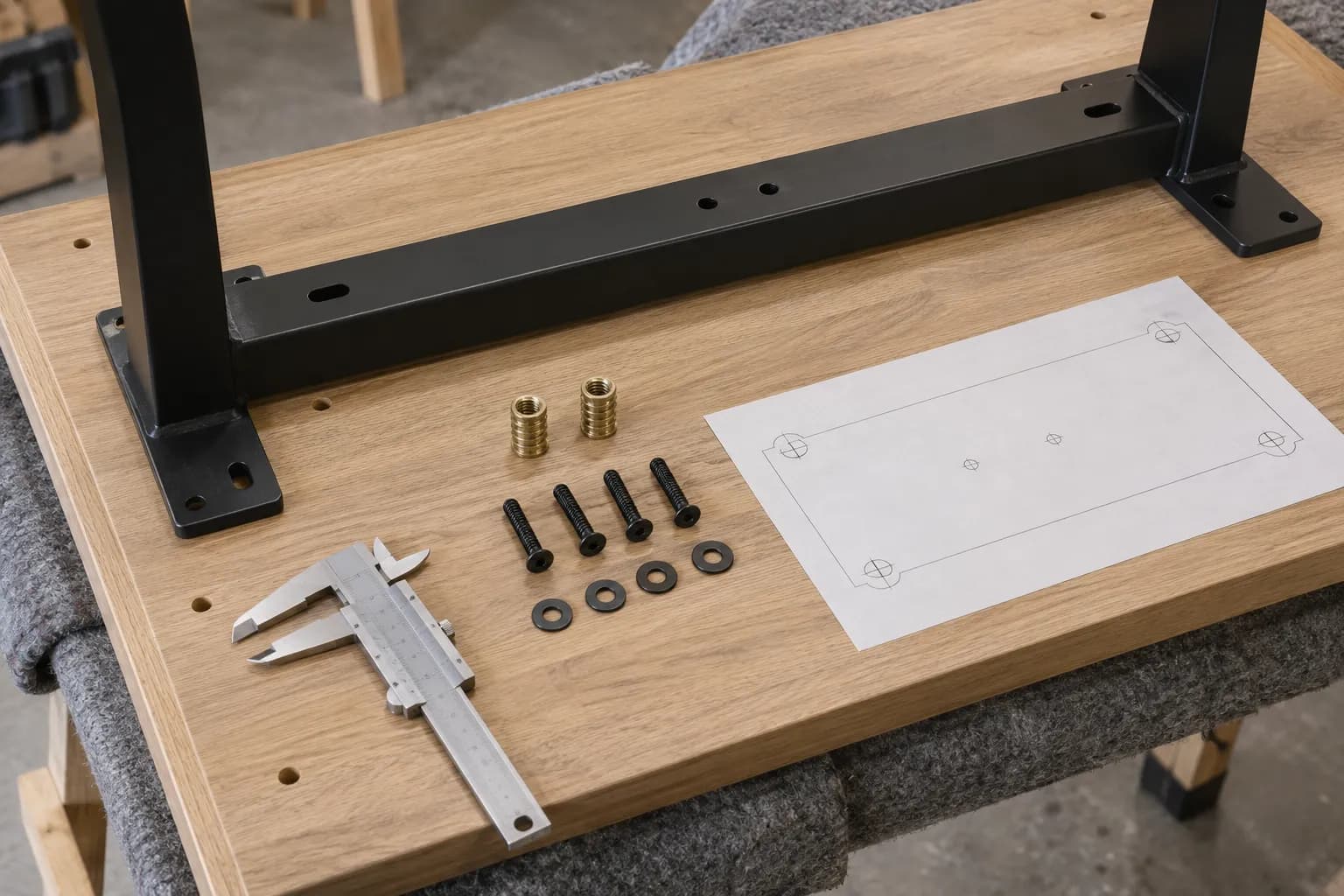
For a top with threaded inserts, match the insert and bolt specification to the frame bracket and hole layout. For a screw-fixed top, request the permitted fixing arrangement, pilot preparation where applicable and limits that prevent damage to the upper face. Existing holes should not be assumed reusable. If the material supplier restricts drilling or attachment zones, place those restrictions on the same drawing used by the assembler.
Never select screw length by subtracting an informal allowance from the desktop's nominal thickness. The bracket, washer, screw design, insert or pilot, engagement and actual substrate all matter. A hardware pack approved for one top may be unsuitable for another. If a desk arrives with mixed hardware, the manual needs to identify which parts belong to the ordered construction rather than leaving the installer to choose by appearance.
Coordinate the frame and accessories as one underside layout
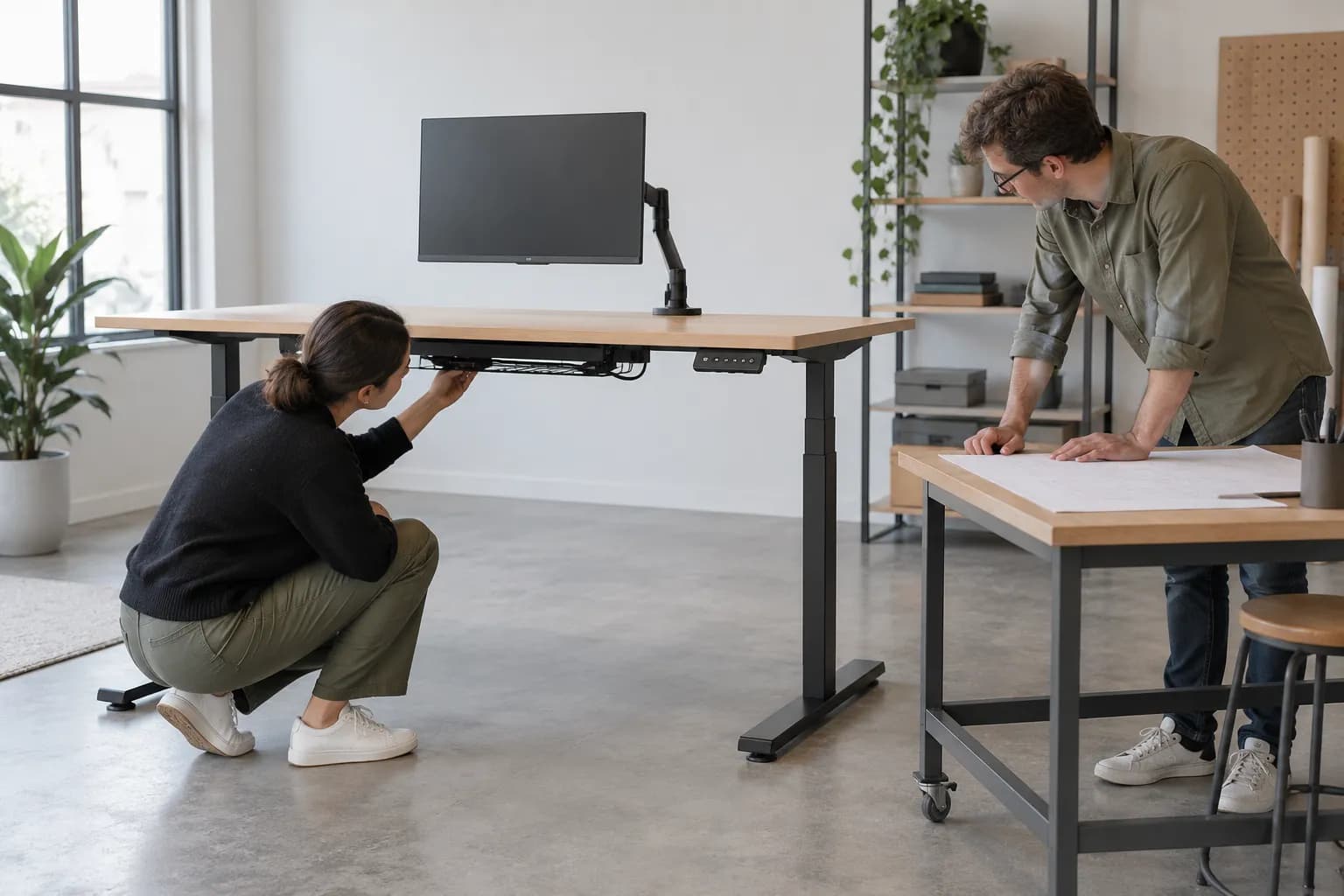
Place the control box, handset, cable tray, power module, monitor-arm clamp and any drawer on the underside drawing before ordering. Identify reserved spaces around the frame's rails, crossmembers and mounting brackets. A tray that fits between loose components on a bench may block a screw or cable exit once the desk is assembled. Allow the intended tools to reach the fixings in the specified sequence.
Monitor clamps need their own review: desktop edge profile, clamp reach, local material construction and nearby frame parts can all change the arrangement. A top's overall compatibility with a frame does not establish that every monitor arm can be attached to it. The same applies to recessed power units and grommets. Mark the actual cutout positions and check the accessory manufacturer's attachment instructions rather than assuming that a clear top surface means a clear underside.
Cable paths must be reviewed through the intended desk travel, with the equipment installed. Avoid a route that tightens a lead, traps it against a frame part or pulls at a connector. Review the space available to the user as well: OSHA's workstation guidance treats room beneath the work surface as a workstation issue. That guidance supports checking clearance; it does not specify your screw pattern or certify a desk assembly.
Keep complete-desk performance and fit separate
A neat hole match establishes only one part of the decision. Ask how the top's mass, equipment arrangement and accessory loads are treated in the selected desk's instructions and technical package. Do not assume a frame-only load statement covers any replacement top or that all loads can be placed anywhere. This article deliberately supplies no generic top dimensions, thickness, fastener length or lifting-capacity value.
Likewise, a successful trial assembly is not a substitute for any required performance evaluation or destination-market documentation. Agree the relevant complete-desk checks and their conditions with the supplier. If a tender asks for a report, identify the actual model, configuration and document coverage. MENBRO's COA service is a route to request available documents; a material document should not be presented as proof of finished-desk compatibility.
From two component drawings to a signed sample
Use a written accept, revise or hold decision at each step. This workflow is for a proposed configuration; it does not claim that an unspecified MENBRO model already fits a third-party top.
- 1. Identify the partsName the desktop supplier and version, frame reference, finish, construction and intended accessories. State whether the top already exists or can be revised. For a local-top program, assign who owns drilling, hardware selection and the final assembly instructions so a task does not fall between two suppliers.
- 2. Compare the drawingsOverlay the top outline, mounting layout and assembled frame. Check the orientation, support positions, fixing locations, cutouts and reserved spaces. Return unanswered items as marked questions. Do not treat a quotation's overall dimensions as a substitute for the drawing needed to assemble the combination.
- 3. Agree the attachmentObtain the top-specific fixing method, named hardware and installation instructions. Confirm who supplies each item and whether drilling or inserts are part of the factory or installer task. Any proposed alternative should be reviewed before it is bought or used, not accepted because it appears to fit.
- 4. Build the representative deskUse the intended top construction, frame, fixings, control placement and accessories. Follow the instructions and record assembly access, fit and any rework. If a temporary component is unavoidable, list it as a sample limitation and resolve its effect before the combination is released.
- 5. Review use and movementCheck reach, underside clearance, cables and accessory interference in the intended layout through the instructed operating range. Use an agreed review method and record actual observations. Do not improvise destructive loading or collision demonstrations. Escalate any defect or unclear behavior to the supplier.
- 6. Freeze the production referenceRetain the agreed drawings, hardware list, instructions and sample decision together. Identify the desktop and frame versions on the order. A later change to top construction, insert supplier, bracket or accessory position should trigger a review of the affected checks rather than inheriting the original sign-off automatically.
What to Check Before You Order
Desktop and frame matching checklist for your RFQ
- Identify the exact top and frame references, drawing dates and versions; attach both drawings.
- State the top outline, construction, actual fixing-zone thickness and edge or cutout details.
- Mark the intended frame setting, support positions and mounting-hole pattern on one overlay.
- Ask for the approved fixing method, hardware identities and assembly instructions for this combination.
- Name the owner of drilling, inserts, hardware supply, installation and combined sample review.
- Map the handset, control box, cable tray, monitor clamps, drawers and power accessories.
- Describe equipment placement and request the selected configuration's applicable limits and documents.
- Agree what the sample must demonstrate, what remains open and who can accept or reject a change.
- Connect the accepted sample to the production drawings, parts list, manual and order versions.
- Include quantity, destination and delivery needs so technical review supports a usable quotation.
Get the top and frame reviewed together
Send your top drawing, frame reference, fixing proposal and accessory layout. Describe any existing constraints so MENBRO can review a specific configuration and identify the next sample or drawing step.
See the MENBRO Showroom and Product Range
Watch a short introduction to MENBRO's office chairs, standing desks, lounge furniture and showroom. Ask our team for the current details of any model you are considering.
Frequently Asked Questions
Can any desktop fit a standing desk frame?
No. Overall size is only the first check. Confirm the selected frame's support and mounting layout, desktop construction, fixing method, fasteners, accessory clearances and complete-desk requirements. A photograph or adjustable frame span does not establish that a particular combination is suitable.
Is there a universal desktop thickness or screw length?
No universal value is appropriate for this checklist. The required attachment depends on the top construction, bracket, fixing system and supplier's instructions. Obtain the approved fixing detail for the exact combination; do not choose a screw from overall tabletop thickness alone.
Do predrilled holes prove compatibility?
Only when their positions, thread or pilot-hole details and required fasteners match the exact frame and desktop versions. A similar hole pattern may belong to a different bracket or insert system. Ask for both drawings and the corresponding hardware list.
Can an installer drill new holes to solve a mismatch?
Not as an automatic remedy. First obtain a written solution covering the substrate, location, hole preparation, fixing method and any restrictions. Unsupported drilling or reused holes may damage the top or create an attachment different from the reviewed design.
Does the frame load rating include every possible top?
Do not assume that it does. Ask how the selected configuration defines its load and what mass, equipment distribution and accessories are covered. A frame rating alone does not establish the strength of a different tabletop, fixing arrangement or complete desk.
What should I send MENBRO for a compatibility review?
Send the frame reference, desktop drawing and construction, fixing proposal, equipment and accessory layout, quantity and destination. State what is fixed and what can change. MENBRO can then review the requested configuration through its standing desk and OEM/ODM enquiry process; fit remains subject to written confirmation and an appropriate sample.
Does a COA request replace sample confirmation?
No. Request available model-specific documents through MENBRO's COA and documentation service, checking what each document covers. A material report or component document does not establish the mounting compatibility or performance of your complete desktop and frame combination.
References and Further Reading
These references support the product-selection and technical guidance in this article. Product availability and specifications can vary by model and project.
- Progressive Automations: tabletop size and thickness selection — Manufacturer guidance illustrating frame-specific selection questions; no publication date stated. Reviewed 16 October 2026. Its ranges are not MENBRO specifications.
- UPLIFT: desktops and frames — First-party desktop, mounting and frame context; no publication date stated. Reviewed 16 October 2026. Attachment details belong to the stated product families.
- FlexiSpot: E7 configuration article — Manufacturer article dated 25 May 2022, reviewed 16 October 2026. Useful as an example of configuration choices, not independent testing or proof about MENBRO.
- UPLIFT: assembly and programming instructions — Model-specific manual selection reinforces the need to identify the actual assembly. Reviewed 16 October 2026.
- OSHA: computer workstation desks — Primary workstation guidance for work-surface and under-desk clearance, not a universal frame-mounting specification. Reviewed 16 October 2026.
- MENBRO COA and documentation requests — Request available documents for the named product or material, checking the document's actual coverage.