

Quick answer
How should a B2B team reset and troubleshoot a standing desk controller?
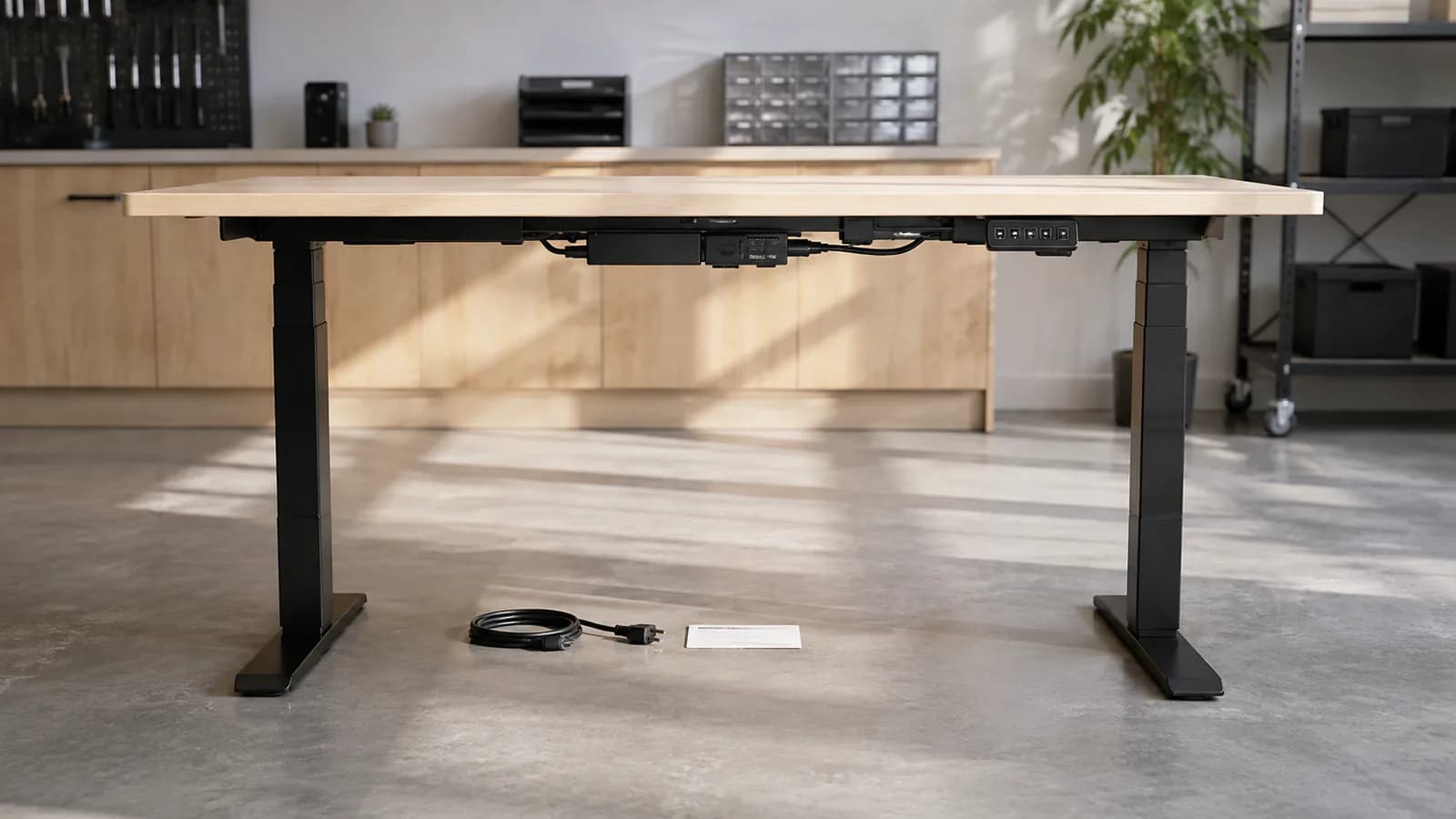
First identify the desk SKU, control box, handset, columns, cable layout, firmware or version and the matching manual. Isolate power before inspecting connections, clear the travel path and remove unsafe or excessive loads. Use only the documented initialization sequence for that system, record the display/fault behavior and stop if the desk tilts, moves asynchronously, smells unusual or has damaged wiring. A generic hold-down reset may apply to many systems, but not to every controller.
Use the symptom to choose documentation—not a random reset video
These are diagnostic branches for a service file. Exact procedures and error meanings remain controller-specific.
| Observed condition | Possible documentation route | Safe first check | Escalation record |
|---|---|---|---|
| No display or movement | Supply, mains lead, control-box input or handset connection | Isolate power; inspect approved external connections and outlet condition | Photos, component labels, market voltage and cable map |
| Moves down but not up | Unknown position/reference, limit, overload or obstruction | Clear path/load and consult the exact initialization instruction | Lowest-position behavior, display code and reset result |
| Columns are uneven | Connection, channel, synchronization or mechanical fault | Stop movement; do not force or swap live cables | Height difference, channels, labels and service escalation |
| Stops after repeated cycles | Published duty-cycle or thermal protection | Stop operation and follow the documented rest/cooling instruction | Run time, load, room condition, fault and recovery time |
| Recurring code or false collision | Controller-specific fault, mounting, load, cable or sensor condition | Record the code before clearing it and check the matching manual | Exact controller/handset version and repeat conditions |
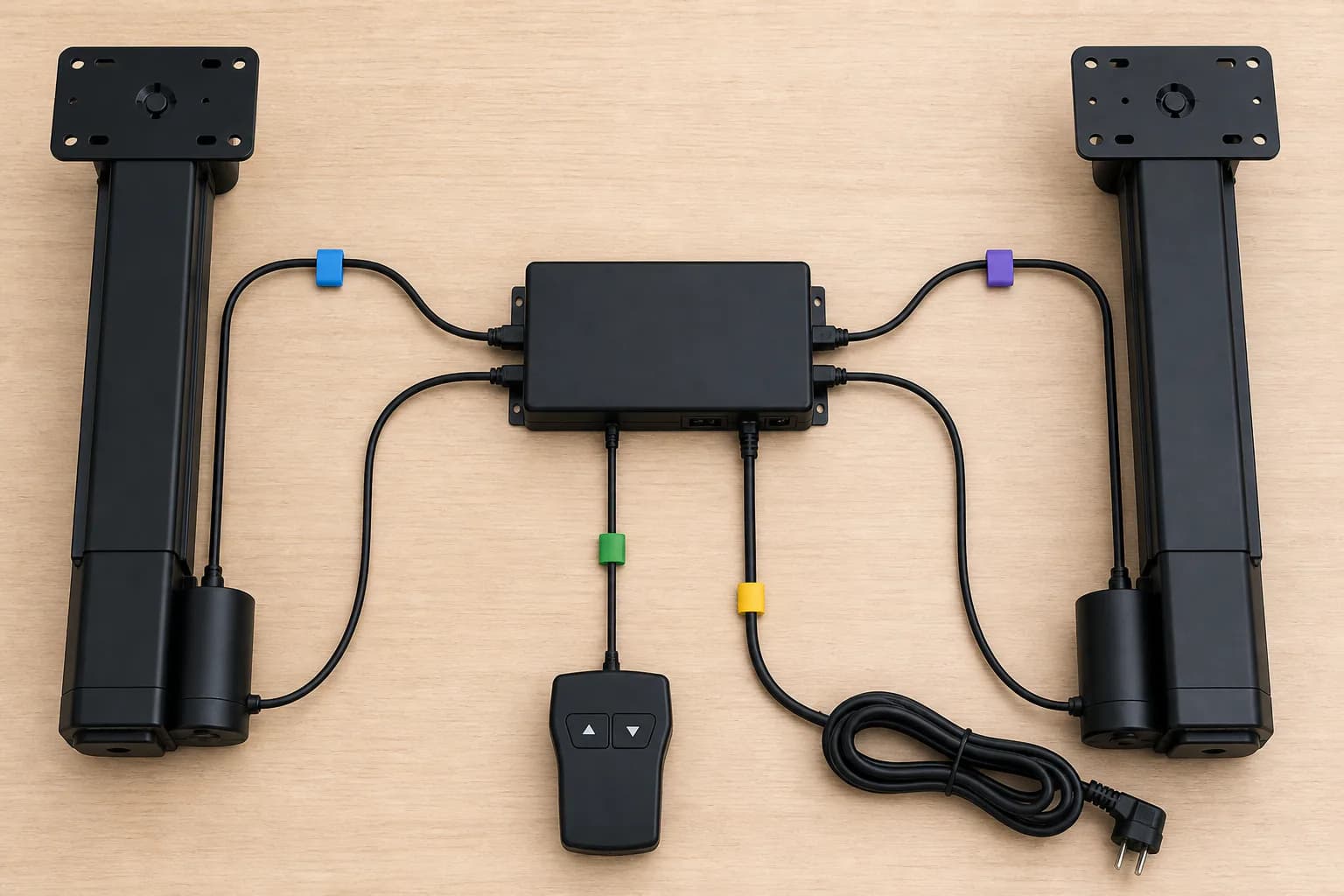
Controller, columns, handset and cables form one service system
Initialization tells a compatible control system where its reference position is; it is not a general repair. LINAK documentation, for example, defines initialization as resetting configured desk legs to the fully retracted reference position, while Steelcase manuals show product-specific power-cycle, memory-reset and column-synchronization procedures. Similar-looking button sequences can have different purposes, so the service record must start with component identity.
Duty-cycle protection is another common source of misdiagnosis. Component suppliers publish operating/rest limits under stated conditions, and some systems temporarily stop after extended use or elevated control-box temperature. The correct response is to follow the selected system's instruction—not to bypass protection, repeatedly cycle power or assume the motor has permanently failed.
For a B2B program, serviceability begins before shipment. The approved bill should preserve the control box, handset, columns, power specification, cable map and software/version relationship. Replacement parts should be checked for compatibility and change-agreed; a plug that physically fits is not documentation that a component is electrically or logically interchangeable.
Build a safe seven-step troubleshooting record
The exact manual takes priority. The sequence below organizes observations and escalation without opening electrical products or inventing controller commands.
- 1. Capture identityRecord desk SKU/version, control box, handset, columns, cables, destination power specification and the matching manual.
- 2. Capture the symptomPhotograph the display/code and note direction, height, load, prior activity, unusual sound, smell, tilt or recent installation change.
- 3. Make the area safeStop operation, clear people and objects from the travel path, remove unsafe load and isolate power before external connection checks.
- 4. Check documented connectionsCompare mains, handset and motor cables with the approved cable map; do not open components or swap energized connections.
- 5. Respect duty cycleIf the instruction identifies thermal or duty-cycle protection, allow the stated recovery condition and document what happened before the stop.
- 6. Run the exact initializationOnly when the system manual calls for it, follow the stated lower-limit/button sequence with a clear travel path and stop on abnormal motion.
- 7. Escalate and closeIf the fault remains or movement is uneven, isolate the desk and send the documentation package to the authorized service route; record any approved replacement and retest.
What to Check Before You Order
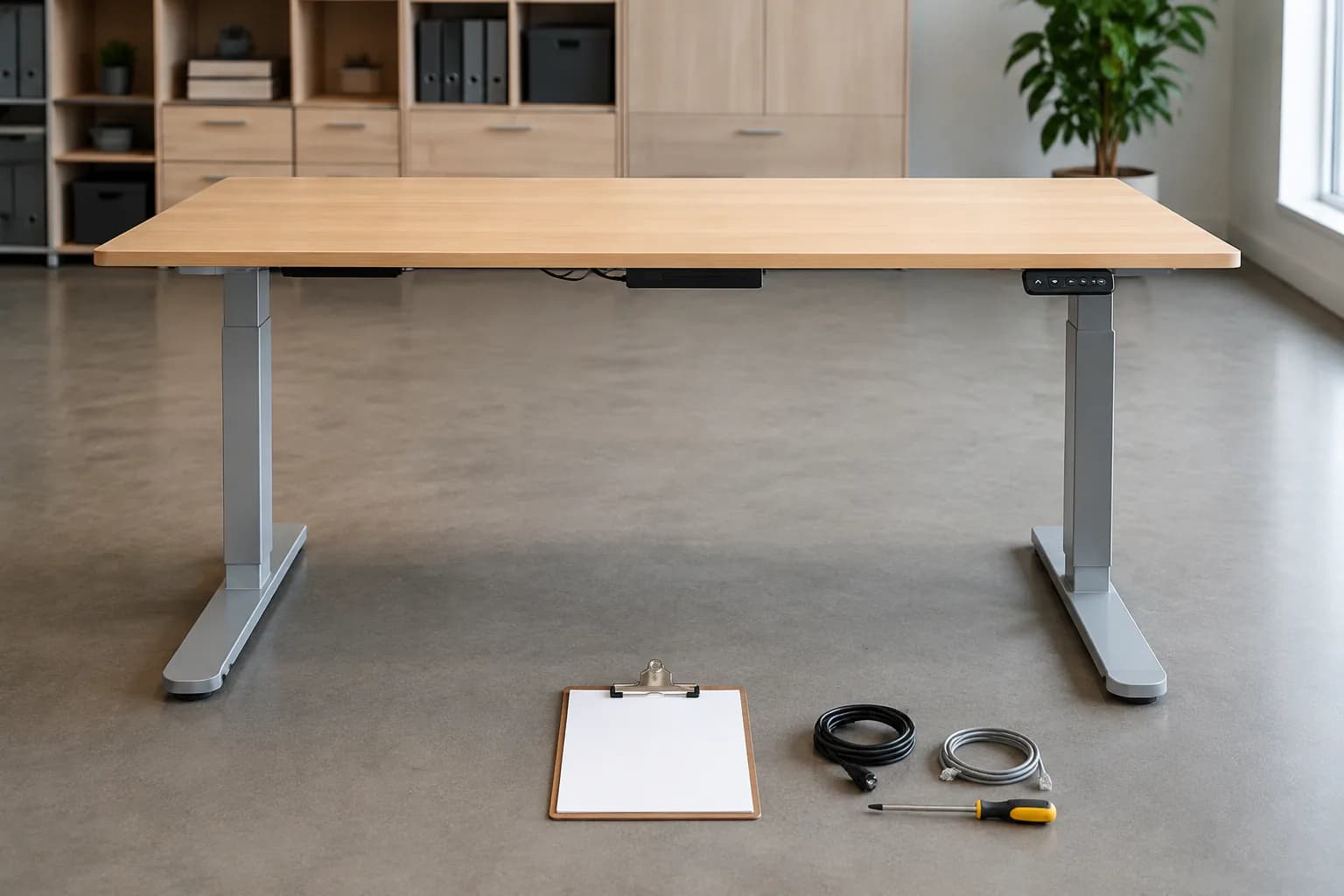
Controller and service fields to keep with every desk version
- Desk SKU, frame and version
- Control-box, handset and lifting-column identifiers
- Approved cable map and power specification for the destination
- Initialization/reset instructions matched to the exact system
- Fault-code and limit-setting guide
- Duty-cycle and operating-environment conditions
- Stop/escalation rules, warranty contact and authorized repair route
- Approved spare parts, compatibility documentation and change history
Turn a controller issue into a supportable desk program
Send the desk reference, control-system requirements, destination power standard, quantity, service-document and spare-part expectations, documentation needs and target date. MENBRO will confirm the applicable model-level route.
See the MENBRO Showroom and Product Range
Watch a short introduction to MENBRO's office chairs, standing desks, lounge furniture and showroom. Ask our team for the current details of any model you are considering.
Frequently Asked Questions
What does resetting a standing desk controller do?
Depending on the exact system, initialization can re-establish the lifting columns' reference position or synchronize the configured channels. It does not repair damaged hardware, remove an obstruction or make an incompatible replacement component compatible.
Why will a standing desk move down but not up?
Some controllers intentionally allow downward movement when position reference is unknown and require initialization at the lower limit. Overload, duty-cycle protection, a limit setting, cable fault or mechanical interference can produce different symptoms, so follow the exact manual and fault code.
Can I use a reset sequence found for another desk?
Do not assume so. Button sequences, display messages, lower-limit behavior and safety functions vary by control box, handset, firmware and desk version. Identify the system and use the matching instructions supplied for it.
What is standing desk duty cycle?
Duty cycle limits powered run time relative to rest time under stated conditions. Published examples from component suppliers often use a short operating period followed by a longer pause, but the applicable value must come from the selected controller, columns and complete-desk documentation.
When should troubleshooting stop and escalate to service?
Stop if there is unusual noise or smell, visible cable damage, tilt or asynchronous movement, repeated faults after the approved procedure, suspected liquid ingress or any need to open electrical components. Isolate power and use the authorized service route.
What service information should a B2B standing-desk program retain?
Retain the desk SKU and version, control box, handset, columns, cable map, power specification, initialization procedure, fault-code guide, duty cycle, approved replacements, warranty route and change history for the exact market configuration.
References and Further Reading
These references support the product-selection and technical guidance in this article. Product availability and specifications can vary by model and project.
- LINAK DESKLINE troubleshooting guide — Primary supplier manual defining desk-system components, initialization, channel configuration and standard connection checks.
- LINAK DL20/DL21 user manual — Primary example of model-specific duty-cycle, load, cable, troubleshooting and authorized-repair boundaries; values are not transferred to MENBRO SKUs.
- LINAK DESKLINE controls manual — Primary handset/control reference showing that pending error codes and initialization requirements depend on the system.
- Steelcase Slim Leg user guide — Manufacturer example separating power cycle, memory reset and lifting-column synchronization procedures.
- JIECANG Smart Office FAQ — Component-supplier examples of controller-specific RST, overload, Hall/channel, sensitivity and thermal-protection branches.
- MENBRO Standing Desk Manufacturer — Current MENBRO standing-desk range and SKU-specific control-system, sample, documentation and RFQ route.