

Quick answer
How should a commercial buyer specify a standing desk anti-collision system?
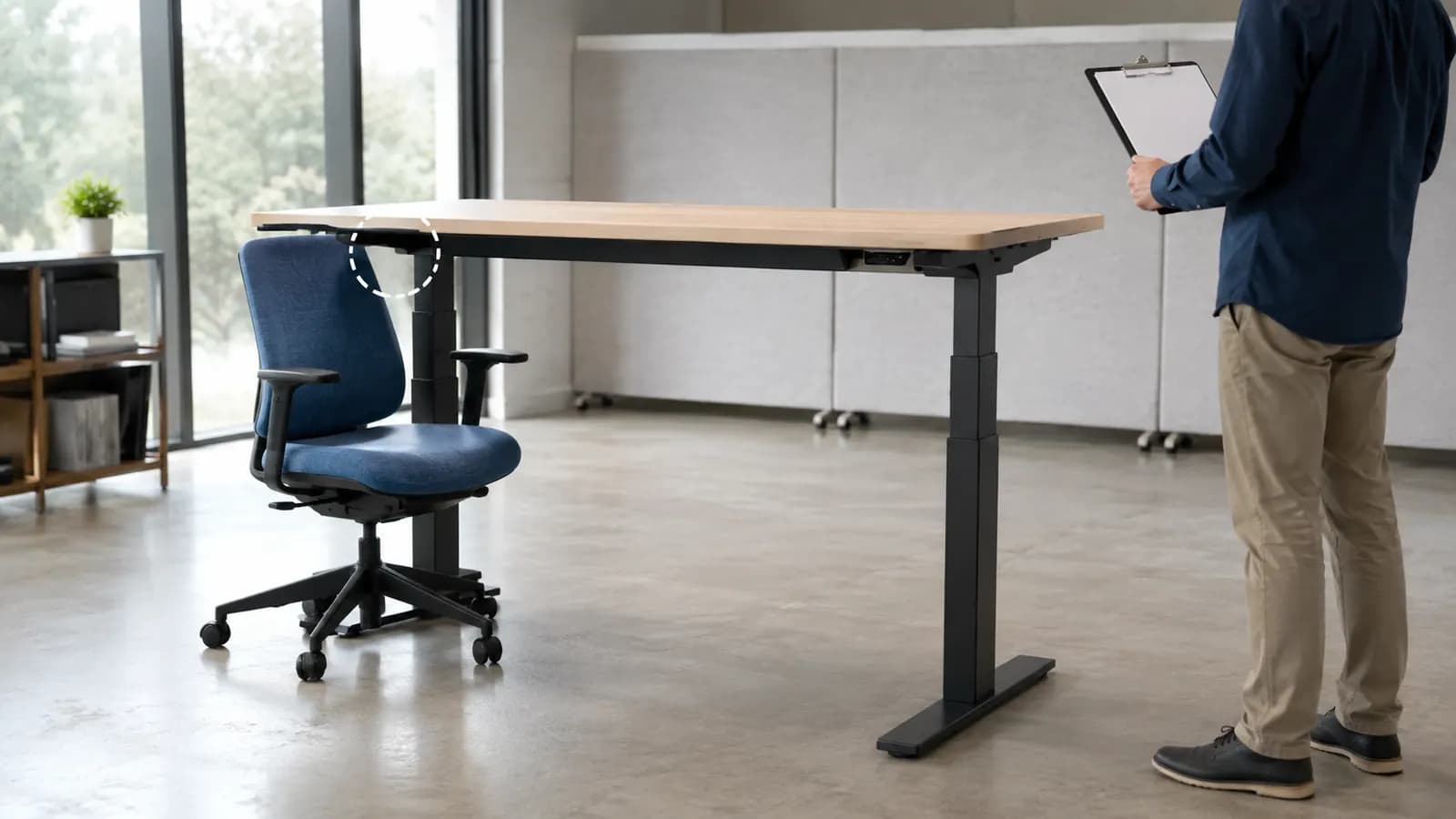
Define the behavior you need and the conditions used to verify it. Ask how the system detects a hard or soft obstruction, whether it operates in both travel directions, what stops and reverses, how sensitivity is set, which controller and sensor are included, and what can cause false triggering. Test the complete desk and representative load without placing a person in the travel path. Anti-collision limits risk; it is not a personal-safety guarantee.
Compare detection routes and the documentation they require
Architectures vary by system supplier and desk configuration. This table is a buyer framework, not a claim that every implementation performs the same way.
| Detection route | What may trigger it | Buying question | Sample check |
|---|---|---|---|
| Control-software response | A change in motor current, speed, synchronization or another controller signal | Which control box, firmware and threshold belong to the quoted SKU? | Repeat hard and soft obstacle checks at defined heights, directions, loads and settings |
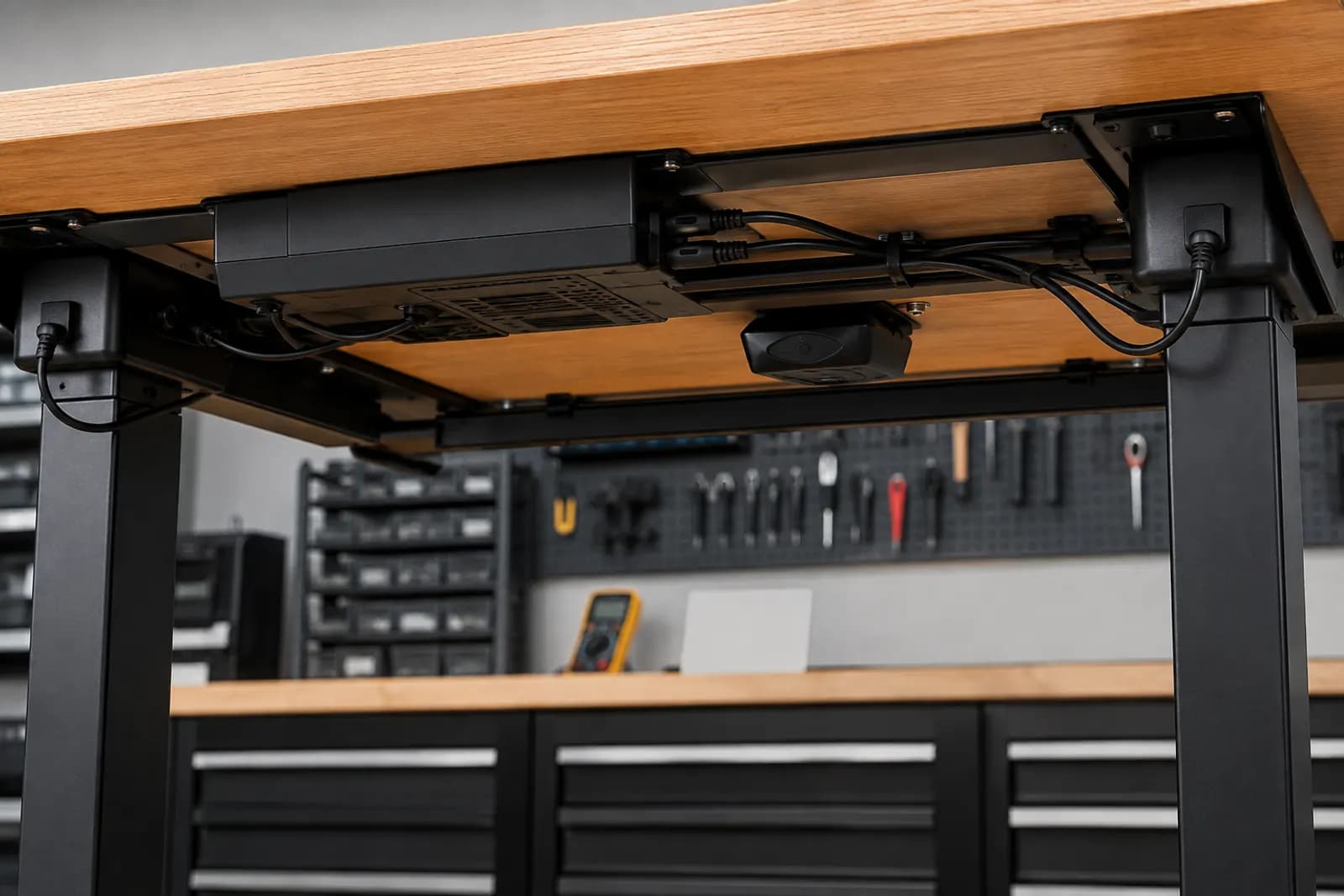
| Gyroscopic or tilt sensor | Unexpected tabletop angle or movement during travel | Where is the sensor mounted, and which installation conditions affect it? | Confirm mounting, desk leveling, cable clearance, repeatability and false-trigger behavior |
| Column-integrated sensor | Mechanical change detected within a compatible lifting-column system | Which exact columns and controller support the feature? | Verify the complete configured system rather than a component sample alone |
| Combined system | More than one detection route within the desk architecture | How do sensors interact, and which response takes priority? | Test representative obstacles and document reset, stop and reversal behavior |
A feature badge does not define detection performance
An electric desk can encounter a rigid cabinet, a chair arm, a cable bundle or a soft object. Those obstacles do not produce the same force, tilt or controller signal. A system designed around one detection route may react differently to another condition. The useful buyer question is therefore not simply whether anti-collision exists, but which architecture is supplied and which representative conditions the complete desk must pass.
Sensitivity creates a tradeoff. A sensitive setting may react earlier, but normal frame movement, an unstable floor, uneven loading, sensor mounting or cable contact can produce false triggers. A less sensitive setting may travel farther before a response. The selected controller instructions and project acceptance method should define how settings are changed and verified; a generic number copied from another desk is not transferable.
MENBRO states that anti-collision is available on applicable standing-desk configurations. Because controllers, motors, columns and desk geometries vary, the exact detection route and current supporting information must be confirmed by SKU. The RFQ should connect the function to the selected frame, controller, desktop, load, destination market and safe sample procedure.
Verify anti-collision without turning the test into a hazard
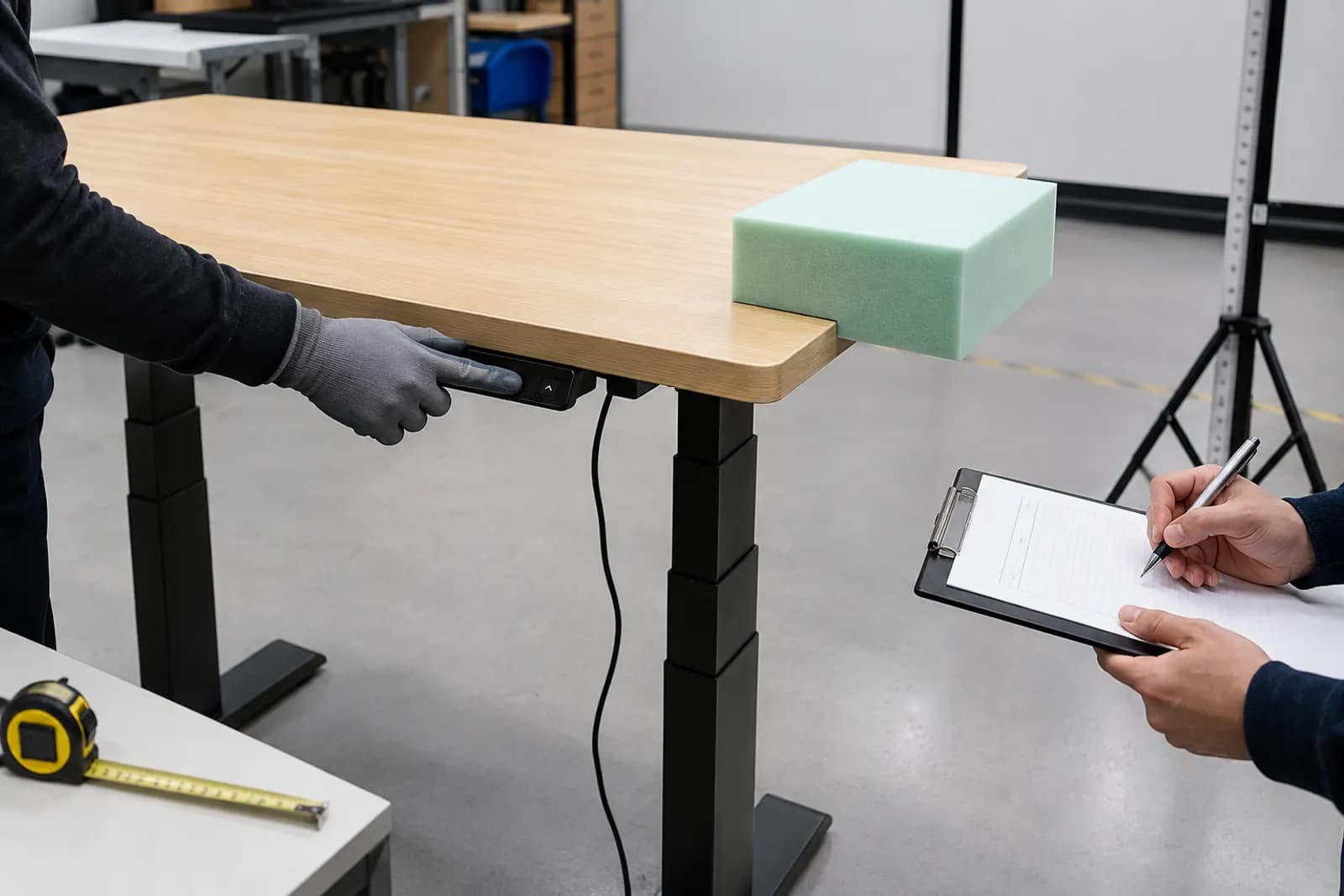
Use the applicable supplier manual and a agreed sample plan. Never use a hand, body part, person or valuable equipment as the obstruction.
- 1. Identify the systemRecord the desk SKU, columns, motors, control box, handset, sensor, firmware or version and desktop configuration.
- 2. Define representative conditionsName travel direction, desk height, desktop and load, obstacle type and location, sensitivity and floor condition.
- 3. Prepare safelyClear people and valuable equipment from the travel path; use a agreed non-hazardous test object and follow the supplier instructions.
- 4. Observe the responseRecord detection point, stop, reversal distance or behavior, reset requirement, fault code and any difference between up and down travel.
- 5. Repeat and challengeRepeat the defined check, vary only one condition at a time and record false triggers or non-detections without improvising unsafe tests.
- 6. Freeze and inspectAttach the approved control-system identity and settings to the production specification; verify components, function and instructions before shipment.
What to Check Before You Order
Anti-collision fields to add to a standing-desk RFQ
- Exact desk SKU, desktop, frame, columns, motors and controller
- Detection route and included sensor or handset hardware
- Required operation during upward and downward travel
- Representative hard and soft obstacle conditions
- Sensitivity settings and permitted adjustment route
- Expected stop, reversal, reset and fault behavior
- Installation, floor, cable, load and false-trigger considerations
- Applicable instructions, sample acceptance, version and change-control records
Make anti-collision an observable acceptance requirement
Send the desk SKU or reference, complete configuration, destination, representative obstacles, required direction and behavior, quantity and target date. MENBRO will confirm the available control route and sample-review coverage.
See the MENBRO Showroom and Product Range
Watch a short introduction to MENBRO's office chairs, standing desks, lounge furniture and showroom. Ask our team for the current details of any model you are considering.
Frequently Asked Questions
What does a standing desk anti-collision system do?
It is designed to detect a defined obstruction or abnormal desk behavior during powered travel, stop movement and often reverse briefly to limit material damage. Detection method and response vary by control system, sensor, desk configuration and settings.
Does anti-collision make a standing desk safe for every person and obstacle?
No. Anti-collision is not a universal personal-safety guarantee. A buyer must follow the applicable product instructions and safety requirements, keep the travel path clear and verify the complete desk under representative conditions.
Why can anti-collision systems trigger when no obstacle is present?
Possible causes include an unstable desk, sensor mounting, loose components, cable contact, floor conditions, uneven loading or a sensitivity setting that reacts to normal movement. Diagnose the exact system using its manual rather than disabling protection by default.
How should a buyer test hard and soft obstacles?
Use a agreed sample plan defined by the system supplier and project team. Record travel direction, desk height, desktop and load, obstacle material and position, sensitivity, stopping and reversal behavior, repeatability and any false triggers without placing a person in the test path.
Which MENBRO standing desks include anti-collision?
Anti-collision is available on applicable MENBRO configurations, but the exact controller, sensor method, settings and documentation must be confirmed by SKU. Submit the desk reference, market, use case, quantity and required acceptance method for review.
References and Further Reading
These references support the product-selection and technical guidance in this article. Product availability and specifications can vary by model and project.
- LINAK Desk Sensor 1 — Primary component-manufacturer description of a gyroscope-based desk sensor that detects tilt and responds by stopping and reversing compatible systems.
- LINAK DESKLINE controls manual — Primary manual explaining obstacle risk, gyroscopic detection, false-trigger causes and installation considerations; it is not evidence for a MENBRO SKU.
- UPLIFT desk programming instructions — Manufacturer example showing that sensitivity settings and reset steps are system-specific rather than universal.
- BIFMA standards descriptions — Primary source for the stated scope of ANSI/BIFMA X5.5 desk and table tests; a standard title does not prove a named anti-collision response.
- IEC 60335-2-116:2025 — Primary publication record for safety of furniture with electrically motorized parts; exact applicability and evidence remain configuration- and market-specific.
- MENBRO Standing Desk Manufacturer — Current MENBRO standing-desk models, configuration scope and project-specific RFQ pathway.