


Quick answer
How should buyers choose office chairs for shared workstations?
Choose a chair as part of the shared workstation, not as a universal-fit object. Check that representative users can find and reset the controls, that the selected chair works with the fixed or height-adjustable desk, and that arms, seat depth, lumbar, tilt and foot support work together. Record cleaning, instructions, service parts and an alternative-seat route. No single chair should be claimed to fit everyone.
Shared-workstation office-chair comparison checklist
Compare the exact chair and desk together. The table identifies decision points; it does not create a population-coverage claim or a medical assessment.
- Controls are easy to locate
- Useful settings can be reached
- Instructions are available
- Chair and desk work together
- Arms clear the work surface
- Feet and legs are supported
- Cleaning route is known
- Parts and contacts are recorded
- Alternative seats are planned
| Operating question | What to check on the selected chair | What to check at the workstation | Decision record |
|---|---|---|---|
| Can users reset it? | Seat-height, back or tilt, arm, seat-depth and lumbar controls actually supplied; their location, clarity and usable range | Whether controls can be reached and settings can be found without disrupting the desk setup | Representative-user observations and any instruction need |
| Does it work with the desk? | Seat height, arm range, back and seat geometry, base movement and foot-support needs | Fixed or height-adjustable surface, leg clearance, keyboard/monitor relation and work-surface interference | Desk version, chair configuration and any accessory or adjustment route |
| How are different users handled? | Adjustment options and any model limits | Relevant user group, task pattern and representative trial conditions | Alternative-chair, accessory or workstation route; no universal-fit statement |
| Can facilities maintain it? | Materials, floor-contact parts, replaceable components and available care information | Cleaning access, floor type, storage, shared-use wear points and contact route | Care instructions, service-part identity and named operational owner |
| What goes into handover? | Exact SKU, options, assembly and adjustment information | Point-of-use instructions, desk pairing, operating rules and escalation route | Versioned handover pack and follow-up review date if agreed |
Shared seating succeeds when users can reset the whole workstation
The challenge in a shared workstation is not to find a chair that claims to fit every person. It is to give a varied set of users a practical route to a usable setup. OSHA advises trying chairs before purchase and notes that the listed criteria may not accommodate every body type. That is why a representative-user trial and an alternative route belong in the project plan.
Begin with controls, not feature count. A chair may list seat-height, recline, lumbar, arm or seat-depth adjustments, but a rotating user needs to find the controls, understand what they change and reach a useful setting. OSHA's evaluation checklist treats straightforward seated adjustment and arm clearance as explicit checks. Ask users to reset the selected chair at the actual desk and record points of confusion instead of relying on a brochure description.
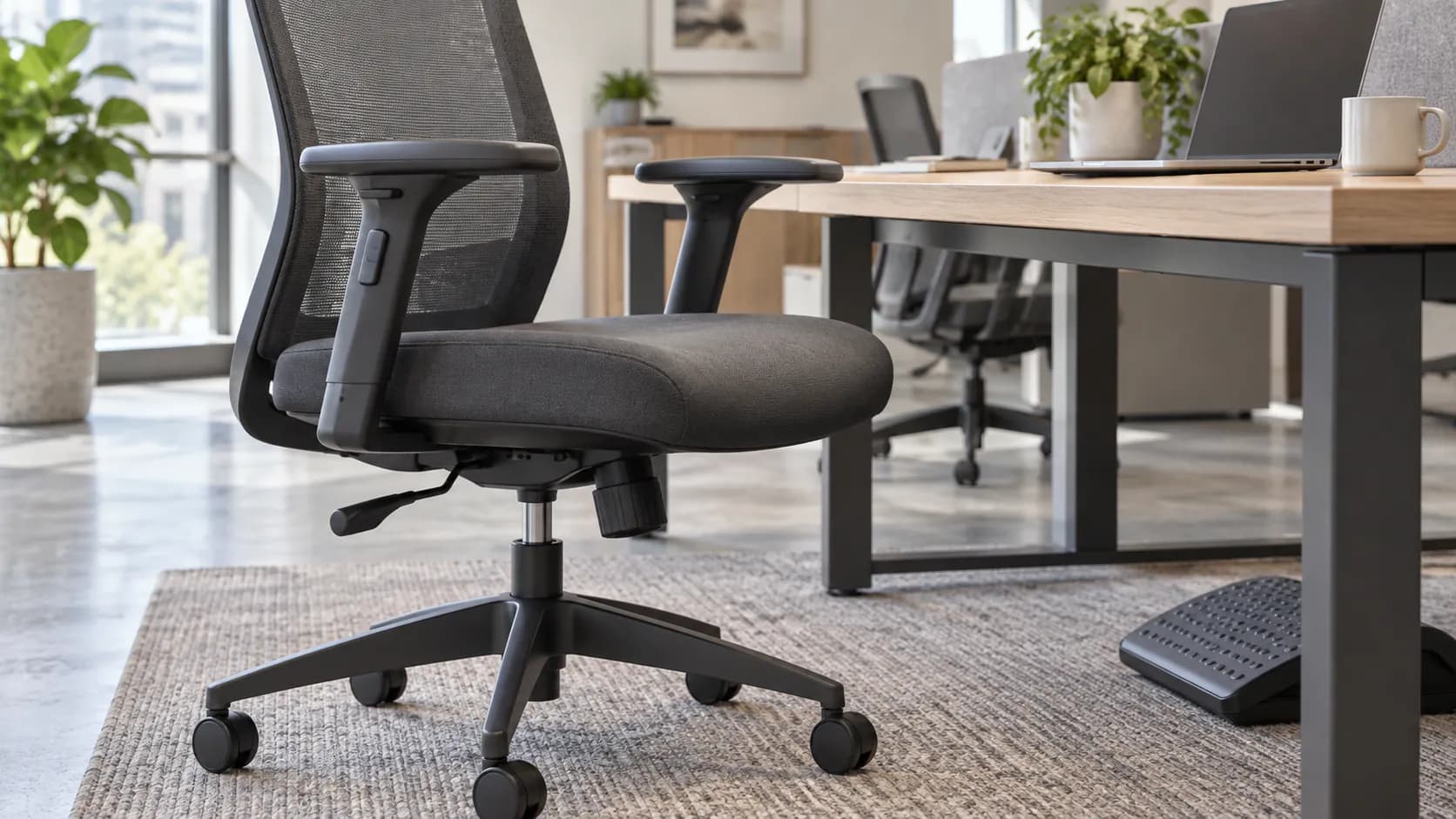
Evaluate the chair and desk as one system. With a fixed-height desk, a user may change chair height to work with the surface, which can change foot support and leg clearance. CCOHS recommends checking whether the legs fit under the workstation after chair adjustment and using an adjustable footrest where feet cannot be placed flat. With a height-adjustable desk, record the usable desk range, equipment and cable route as well as the chair—one component does not solve the whole setup alone.
Treat adjustment as connected. Lumbar, seat depth, arms and tilt all affect how a user approaches the work surface. A control that is helpful in one configuration may interfere with table clearance or be left unused by the next person. Check the selected SKU, not the product family name, and avoid medical statements or numerical claims about user coverage.
Operations complete the decision. Define cleaning method, floor/caster pairing, instructions, service-part identity and who handles a setting or maintenance question. A short, accessible handover guide and a known alternative-seat route can be more valuable than adding untested options to every chair.
From shared-workstation brief to operational handover
This sequence links user variability, chair settings, desk conditions and facilities work before a multi-user rollout.
- 1. Describe the shared useList the desk type, work tasks, rotation pattern, likely user group, floor finish and any equipment that affects clearance.
- 2. Identify the usable controlsFor each shortlist SKU, note the controls actually supplied and what a user can reset without tools or specialist help.
- 3. Pair chair and deskCheck seat, arms, legs, feet, keyboard and monitor relationships with the intended fixed or height-adjustable workstation.
- 4. Run a representative-user trialAsk relevant users to find and set the chair, then log usable settings, friction points and anyone needing an alternative route.
- 5. Define the operating packageChoose cleaning method, floor-contact option, point-of-use instructions, service-part identity and escalation contact for the selected configuration.
- 6. Hand over and reviewIssue the versioned chair-and-desk guide, capture the configuration and agree how the facilities team records issues or requested changes.
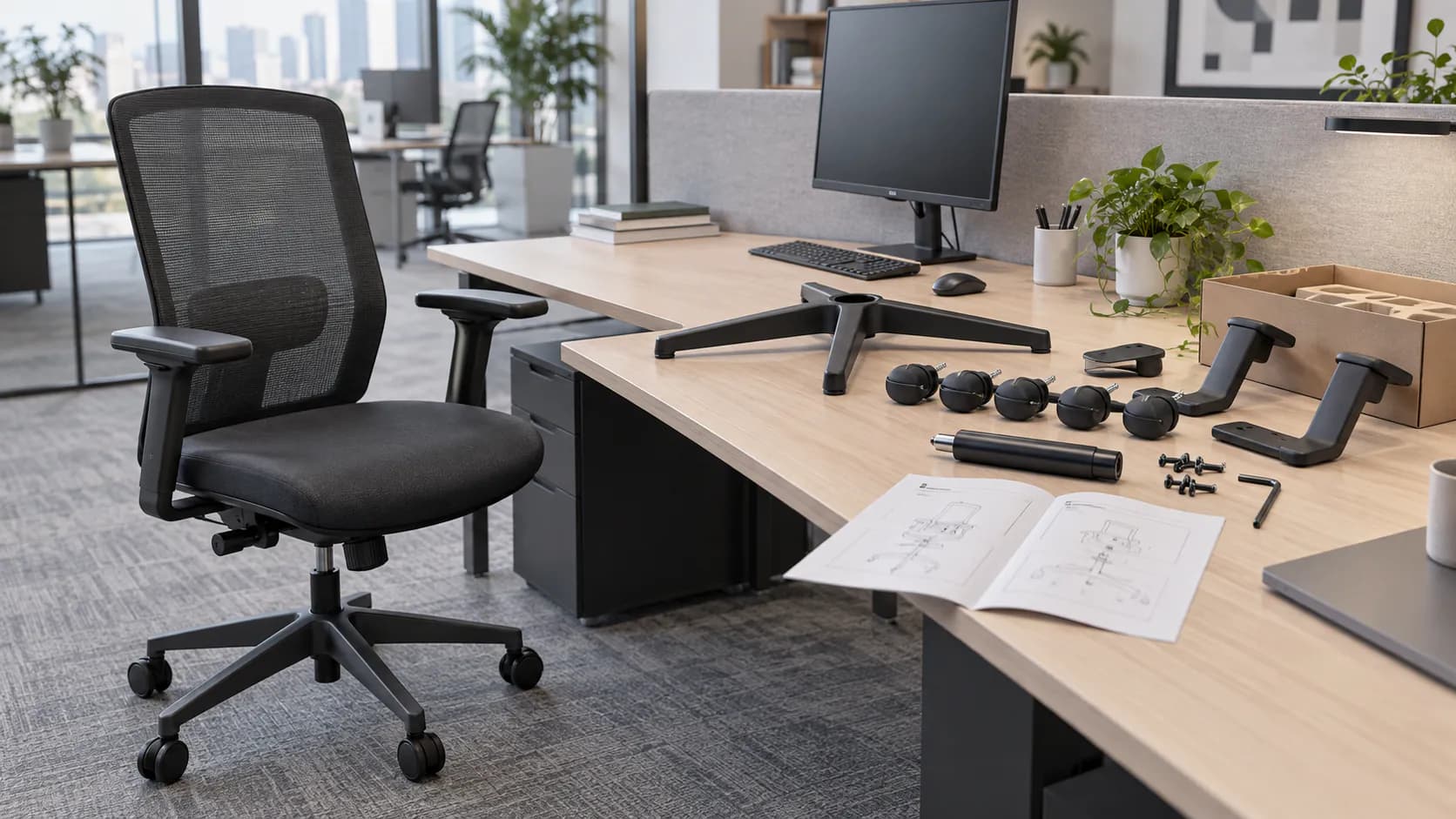
What to Check Before You Order
Shared-workstation seating brief
- Desk type, surface height or range, equipment and clearance constraints
- Expected user group, tasks, shift or rotation pattern and shared-use rules
- Exact chair SKU and supplied seat, back, arm, lumbar, tilt and seat-depth controls
- Control location, instruction method and reset sequence for the selected configuration
- Representative-user trial plan and observation record
- Chair/desk clearance, arm position, leg room and foot-support checks
- Floor finish and selected casters or glides
- Cleaning method, material care information and operational owner
- Service-part identity, contact route and assembly or maintenance information
- Alternative-chair or accessory route for users not well served by the selected setup
Build a shared-workstation seating route
Send the desk type, user pattern, selected chair reference, quantity, floor, cleaning needs, destination and any project documents. MENBRO can help review current model options and sample steps for a configuration-specific discussion.
See the MENBRO Showroom and Product Range
Watch a short introduction to MENBRO's office chairs, standing desks, lounge furniture and showroom. Ask our team for the current details of any model you are considering.
Frequently Asked Questions
What should a shared-workstation chair let users adjust quickly?
Start with the controls the intended users can find and use: seat height, back or recline behavior, arms where supplied, seat depth where supplied and lumbar settings where supplied. Confirm the actual controls, their usable range and whether settings are clear in the selected SKU.
Can one office chair fit every shared-workstation user?
No. A chair should not be represented as fitting everyone. Compare the intended user group, workstation, adjustment range and representative-user trial, then define an alternative-chair or accessory route for users who are not well served by the selected configuration.
How does a fixed-height desk affect chair selection?
The chair and desk must be evaluated together. After a user sets the chair to work with the surface, check leg clearance, arm and desk interference, monitor and keyboard relationship, and whether feet are supported. A footrest or another workstation adjustment may be needed in some setups.
Are adjustable armrests important for shared desks?
They can be important when arms must clear the work surface and support varied users, but suitability depends on the exact range, control usability, desk geometry and work pattern. Check the chosen chair with the actual desk rather than assuming any armrest package will work.
What should facilities teams hand over with shared office chairs?
Record the exact SKU and configuration, adjustment instructions, cleaning guidance, floor/caster selection, assembly or service-part information, warranty terms if agreed, contact route and any alternate-seating plan. Keep instructions easy to find at the point of use.
Why use representative users before a shared-workstation rollout?
A representative-user trial can reveal whether controls are discoverable, whether the chair works with the desk and whether some users need an alternative route. It supports a project decision; it is not proof of universal fit or a medical assessment.
References and Further Reading
These references support the product-selection and technical guidance in this article. Product availability and specifications can vary by model and project.
- OSHA computer-workstation chair purchasing guide — Primary guidance on user trials, adjustable seating, armrest considerations and workstation purchasing checks.
- OSHA workstation evaluation checklist — Primary checklist context for straightforward controls, work-surface interaction, foot support and equipment maintenance.
- CCOHS office-chair adjustment guidance — Primary guidance on chair-to-workstation adjustment, leg clearance and footrest use when conditions require it.
- Steelcase benching specification guide — Manufacturer reference used only for the project question of individual versus shared workstation use and desk-range planning.