

Quick answer
Should a commercial project choose high-back or mid-back office chairs?
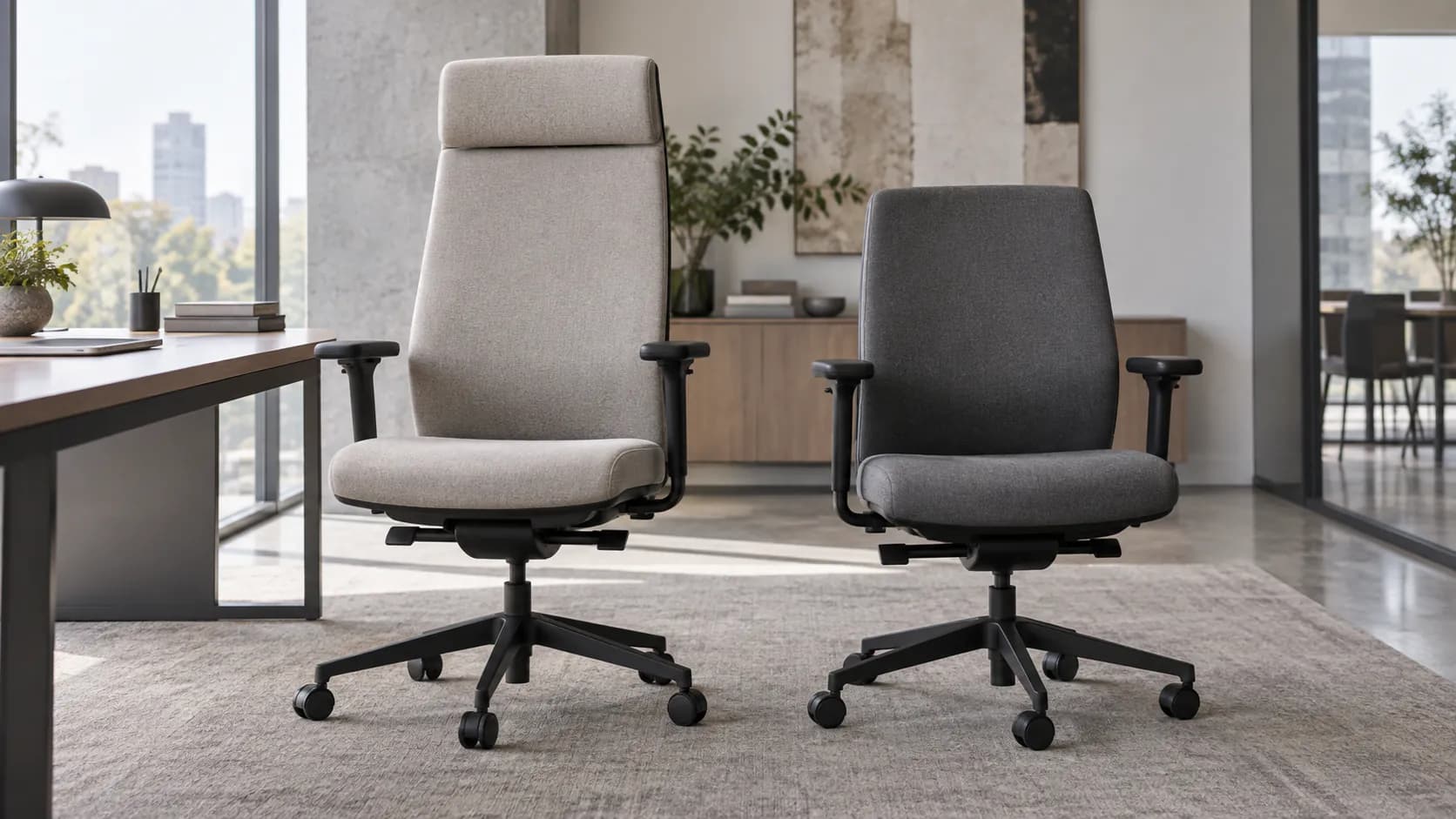
Choose the back height that fits the intended work pattern, users and space. A high back can add upper-back contact and a taller silhouette; a mid back can keep a room visually lighter and leave the upper body more open. Neither label proves comfort, quality or all-day suitability. Confirm the exact SKU's headrest, lumbar system, tilt, seat depth, arms and desk or table fit before sign-off.
High-back vs mid-back office chairs: what commercial buyers should compare
The rows describe considerations, not guaranteed model features. Back-height names are not standardized performance tiers, and a tall chair is not automatically a better chair for a longer day.
- Forward desk work and movement
- Calls, reading and recline use
- Assigned or rotating users
- Back contact in actual positions
- Headrest and lumbar option
- Seat, arm and control fit
- Desk, table and equipment
- Sightlines and room scale
- Cleaning and service route
| Decision area | High-back question | Mid-back question | What the project should confirm |
|---|---|---|---|
| Upper-back and head contact | Where does the selected back contact the user when upright and reclined? Is a headrest supplied, optional, fixed or adjustable? | Does the selected back give the required contact while leaving the desired shoulder movement? | Back shape, headrest option and adjustment behavior on the exact SKU and sample |
| Desk and work pattern | Does the taller profile support the intended call, reading or recline positions without creating desk or monitor conflicts? | Does the lower profile fit active desk work, movement and the required work positions? | Chair height, tilt, seat depth, arm range, desk clearance and representative-user trial |
| Meeting and visual scale | Does the taller silhouette work with the table, sightlines, cabinetry and room language? | Does the lower silhouette retain the desired visual scale and clearance around the layout? | Selected chair width, depth, pull-back space, table relationship and room plan |
| Shared or assigned use | Can rotating users find and reset the available controls, if the chair is shared? | Can rotating users find and reset the available controls, if the chair is shared? | Control clarity, usable adjustment range, instructions, cleaning and alternative-chair route |
| Specification and service | Which back, headrest, lumbar, arms, base, casters or glides and finish are being ordered? | Which back, lumbar, arms, base, casters or glides and finish are being ordered? | Exact SKU, configuration, sample reference, maintenance instructions and service-part identity |
Treat back height as one part of the chair-to-space fit
High-back and mid-back are useful visual descriptions, but they do not establish ergonomics, comfort, quality, durability, certification or a suitable sitting duration. A high back can reach farther toward the upper back or head, while a mid-back design may stop lower and show less above a work surface. What matters is where the selected back contacts the intended user in the positions they actually use—not the label in a product listing.
Start with the work pattern. A workstation used mainly for forward screen work, a private office used for calls and reading, and a meeting setting with short rotations can create different requirements. OSHA's workstation guidance treats the chair, arms, work surface and user posture as a system. It also advises that a headrest, when provided, should not push the head forward past neutral. Use that as a sample-check question rather than a promise made from a chair silhouette.
Then place the chair in the room. Back height changes more than support coverage: it changes how the chair reads behind a desk, under a sightline, beside a credenza or around a table. Use the actual floor plan to check the chair's width, depth, base or glide footprint, pull-back route and table clearance. A high-back chair may be right for the visual brief in one room and wrong for another; a mid-back chair is not automatically a budget or short-use choice.
Keep configuration separate from height. Headrests, lumbar systems, recline, seat depth and arms vary by model and option package. A high-back chair may have no headrest, and a mid-back chair may offer useful adjustment. Record the precise SKU, back version, options, finish and floor-contact choice in the project schedule, then test the chosen sample with the relevant desk or table.
Finally, plan for operations. For shared seats, check whether people can find and reset controls. For all locations, define cleaning method, caster or glide choice, service route and any replacement-part identity. These steps turn a back-height preference into an orderable commercial chair brief without making health or performance claims the documentation cannot support.
A six-step high-back or mid-back selection route
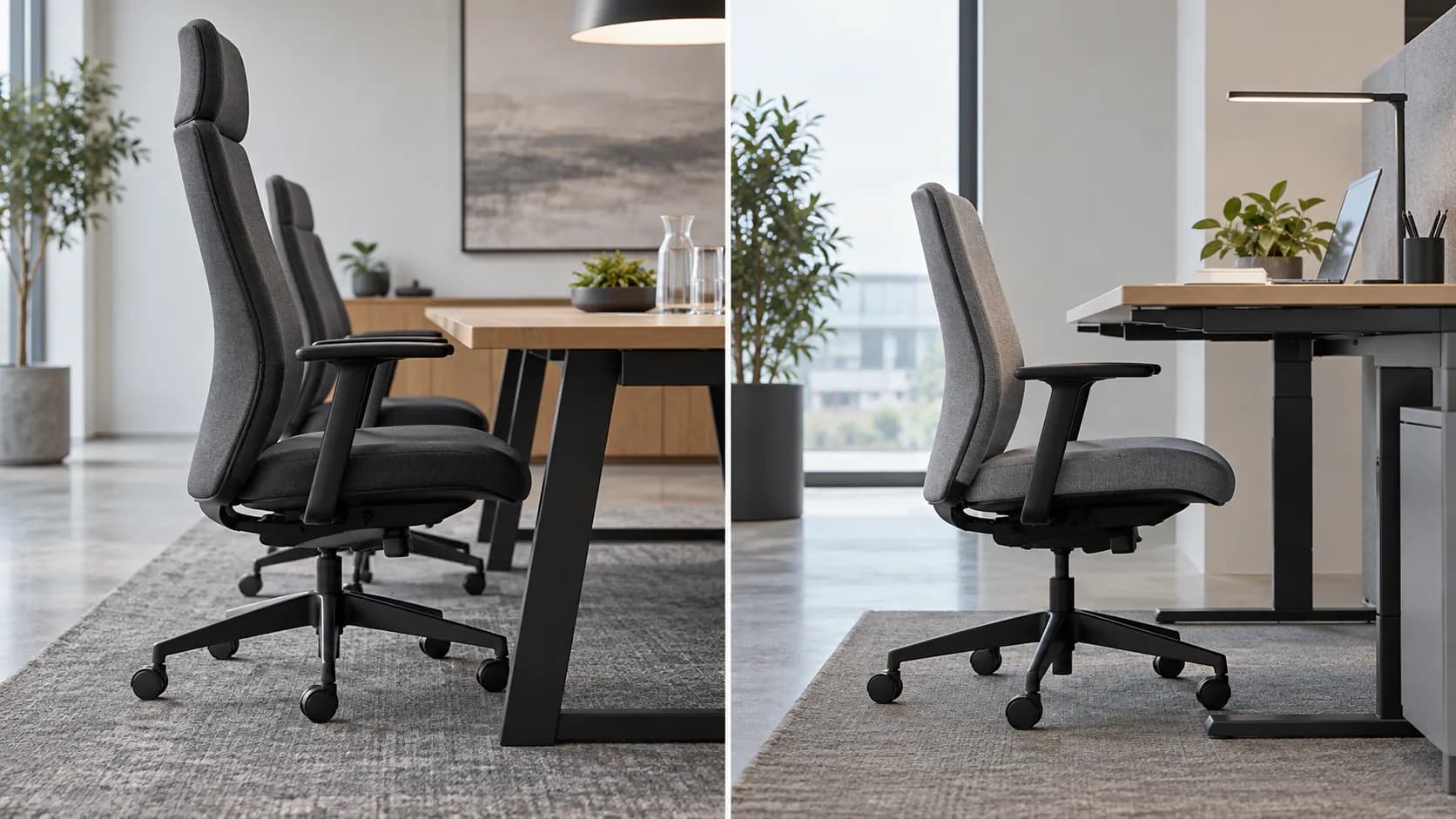
Use one shared project brief so the chair's visual profile stays connected to its usable configuration and room fit.
- 1. Map the settingList the room, desk or table, work pattern, assigned or shared use, floor finish, sightlines and planned quantity.
- 2. Describe the intended usersDefine the relevant user group and any need for a representative trial; do not assume one chair fits every person.
- 3. Shortlist exact chair versionsIdentify the high-back and mid-back SKUs plus their actual headrest, lumbar, tilt, seat-depth, arm, base and floor-contact options.
- 4. Check the complete workstationPlace samples with the intended desk, monitor, keyboard, table or room layout and check clearance, controls and work positions.
- 5. Record the chosen configurationFreeze the chair SKU, back height, options, finish, sample reference, cleaning route and any alternative-seat requirement in the project schedule.
- 6. Hand over usable informationProvide the selected-model adjustment and care information, plus the contact and service route appropriate to the project.
What to Check Before You Order
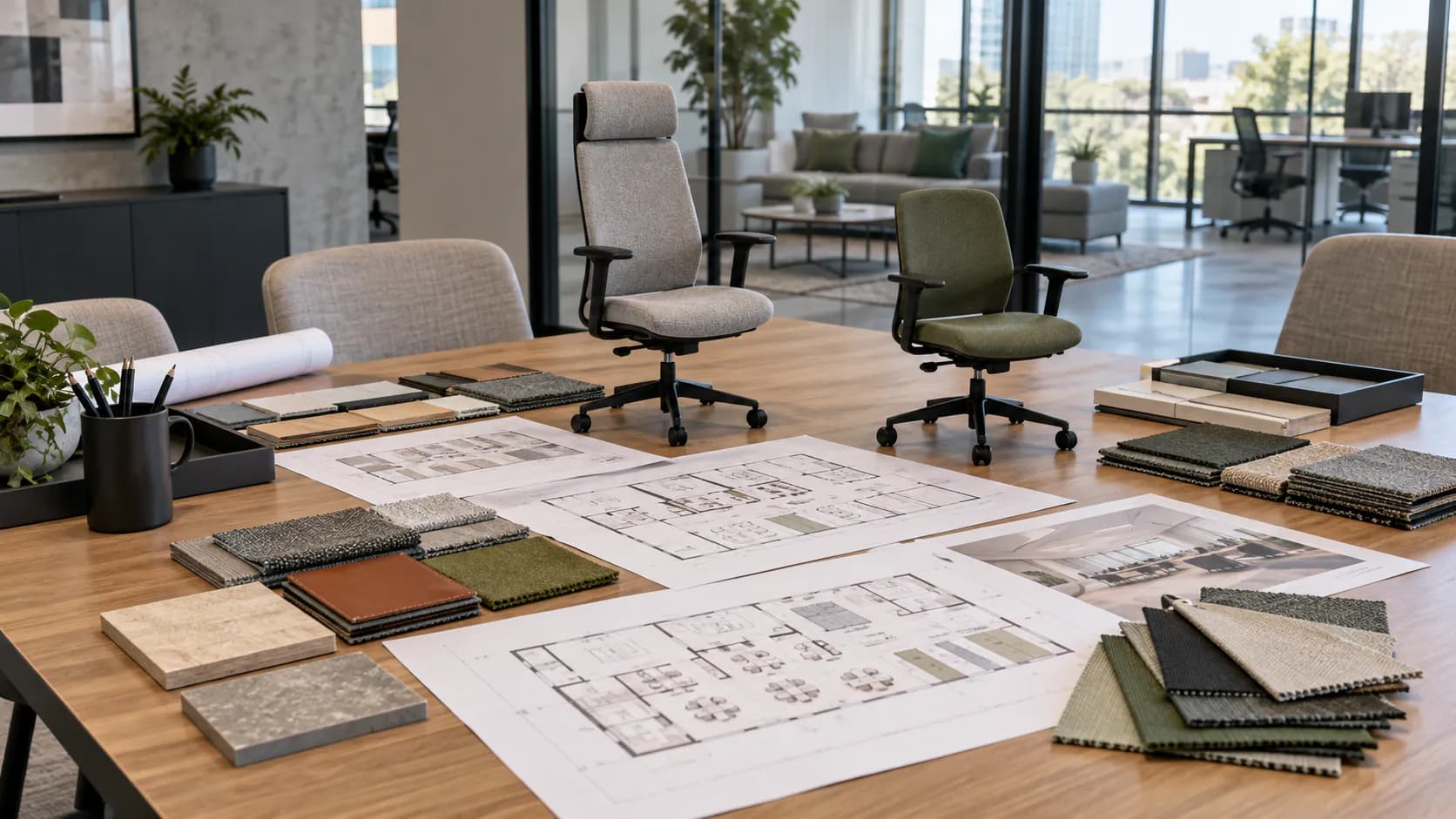
Commercial chair back-height brief
- Room or workstation use, planned quantity and assigned or shared seat status
- Relevant user group and representative-user sample route
- Exact high-back or mid-back SKU and backrest version
- Headrest, lumbar, recline, seat-depth and arm options actually supplied
- Selected base, casters or glides for the project floor
- Desk, table, monitor, leg-clearance and pull-back checks
- Chair footprint, room sightline and visual-scale review
- Finish, cleaning instruction and maintenance/service information
- Approved sample reference and project schedule version
- Alternative-chair route for users or settings not served by the selected configuration
Turn the room brief into a chair configuration
Send the room use, desk or table context, quantities, user group, desired back-height direction, finish, destination and any required documents. MENBRO can help identify current model options for a configuration-specific discussion.
See the MENBRO Showroom and Product Range
Watch a short introduction to MENBRO's office chairs, standing desks, lounge furniture and showroom. Ask our team for the current details of any model you are considering.
Frequently Asked Questions
What is the practical difference between a high-back and a mid-back office chair?
A high-back chair extends farther up the back; a mid-back chair stops lower. That changes the surface available during different seated positions and the chair's visual scale, but it does not by itself establish ergonomics, comfort, quality, durability or any performance level.
Is a high-back chair always best for long workdays?
No. A taller back does not automatically suit a longer workday. Compare the exact chair's back shape, headrest if supplied, lumbar system, tilt, seat depth, arms, controls and fit with the actual workstation and intended users.
Does a mid-back chair mean lower quality?
No. Mid-back is a height description, not a quality tier or a short-use rule. A mid-back configuration can be appropriate where the selected model, user group, work pattern, table or desk clearance and room scale support that choice.
Does a high-back chair always include a headrest?
No. Headrests can be absent, fixed, optional or adjustable depending on the SKU. Confirm the exact headrest, its adjustment, its relationship to the backrest and its suitability in a representative sample rather than inferring it from chair height.
How should a meeting-room chair be checked against the table?
Review the selected chair's width, depth, arm and seat height, back height, base or glide footprint, pull-back route, table edge or apron clearance, circulation and desired sightlines using the actual layout.
Can high-back and mid-back versions share one project schedule?
Yes, if the schedule identifies the exact SKU, back-height version, headrest, lumbar system, arms, base, casters or glides, finish and approved sample. Do not order from a generic back-height label alone.
References and Further Reading
These references support the product-selection and technical guidance in this article. Product availability and specifications can vary by model and project.
- OSHA computer-workstation chair purchasing guide — Primary workplace guidance used here for chair adjustability, user trial, backrest, armrest and work-surface checks.
- OSHA workstation evaluation checklist — Primary checklist context for simple seated controls, headrest position, arm clearance and complete-workstation review.
- CCOHS office-chair adjustment guidance — Primary occupational-safety guidance on adjusting chair and workstation relationships.
- BIFMA standards overview — Primary industry context for checking whether any requested product documentation applies to the exact chair and its stated scope.