

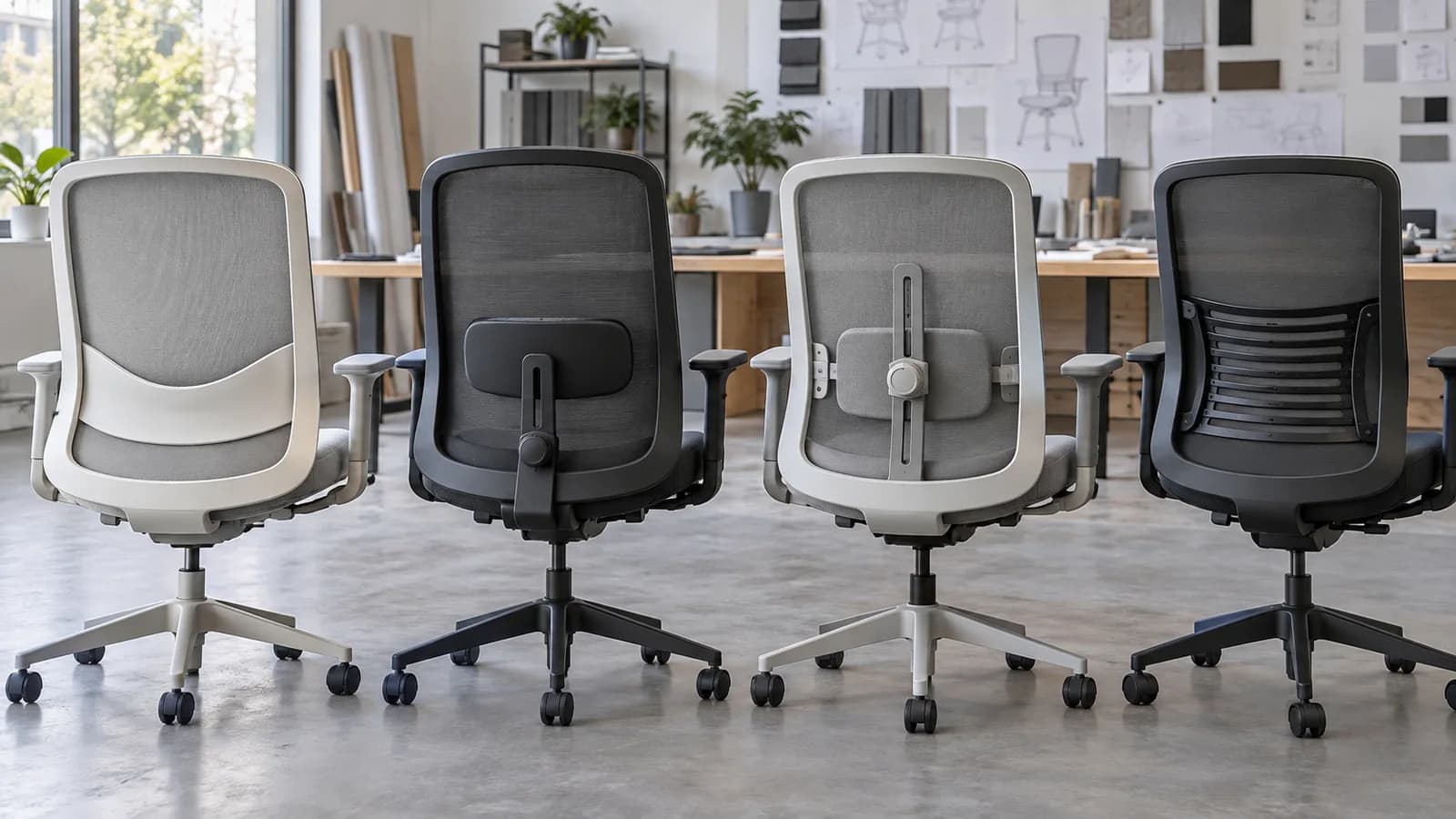
Quick answer
Which type of lumbar support should an office-chair buyer choose?
Choose from the intended users and complete chair. Fixed contours have no separate control; height adjustment moves the contact point; depth adjustment changes projection or pressure; dynamic or flexible systems change contact as the user moves. Compare usable range, backrest construction, seat depth and recline interaction, control access, setting retention, cleaning and sample fit—type alone does not prove comfort or a health outcome.
Lumbar support types: what the name tells you—and what it does not
Supplier terminology varies. Ask for the mechanism, available directions and range on the exact chair, then verify it with representative users and the intended workstation.
- Fixed contour or pad
- Height range
- Backrest and seat relationship
- Fixed projection
- Depth or tension control
- Contact through recline
- Control reach and clarity
- Setting retention
- Cleaning, wear and parts
| System | What changes | Useful project question | Do not assume |
|---|---|---|---|
| Integrated fixed contour | The shaped backrest or tensioned material provides the lumbar profile; no separate control | Does the contour meet the intended users at a usable seat and back position? | Fixed means poor, or that one curve fits all users |
| Fixed lumbar pad | A separate pad or zone projects at one designed location | What are its location, firmness, width and relationship to the seat and recline? | The word pad identifies pressure or fit |
| Height-adjustable | The pad or support zone moves vertically | What is the usable range, how is it moved, and does it remain in position? | Vertical movement also changes depth or pressure |
| Height-and-depth adjustable | The contact point moves vertically and its projection or tension can change | Can intended users reach, understand and retain both settings without creating pressure points? | More controls automatically produce a better fit |
| Flexible or dynamic | A sprung, pivoting, tensioned or segmented section changes contact with movement | How does this exact system respond upright and reclined, and which parts need inspection or service? | Dynamic is a standardized mechanism or medical benefit |
Specify the mechanism, not the marketing label
Start by asking what the supplier means by lumbar support. It may be the curve of a molded back, a padded zone, a slider, a depth knob, a flexible frame or a system that combines several of these. Record the actual construction and adjustment directions in the chair specification. Without that detail, buyers can compare two different mechanisms as though they were the same feature.
Height and depth solve different fitting questions. A height control helps place the support zone higher or lower; a depth or tension control changes how strongly it projects toward the user. Neither works in isolation. Seat depth, seat height, backrest angle and recline behavior affect whether the user reaches the backrest and where contact occurs. This article therefore links to the separate seat-depth guide without repeating its measurement workflow.
For shared workstations, adjustment range and control clarity matter because the chair is reset by different people. OSHA states that greater adjustability can improve fit for varied users and recommends trying chairs before purchase. CCOHS likewise advises checking the worker, task and adjustment range. Those principles support a representative-user sample; they do not prove that any one mechanism fits everyone.
Backrest material changes how a lumbar device behaves. A pad behind mesh acts through the mesh tension and frame; a foam-backed surface combines the pad with cushioning; a flexible back may distribute contact across a larger zone. Ask whether the lumbar component rubs, catches, squeaks or shifts through the selected chair's normal adjustment and recline. Avoid turning subjective sample feedback into a medical or universal comfort claim.
Finally, review ownership after delivery. Can users reach the controls while seated? Do settings hold? Can the back and moving parts be cleaned under the project's protocol? Is the lumbar component identifiable and serviceable for the selected version? Freeze the approved mechanism in the SKU/BOM and recheck substitutions. The result is a model-level requirement rather than an unsupported promise that more lumbar hardware is always better.
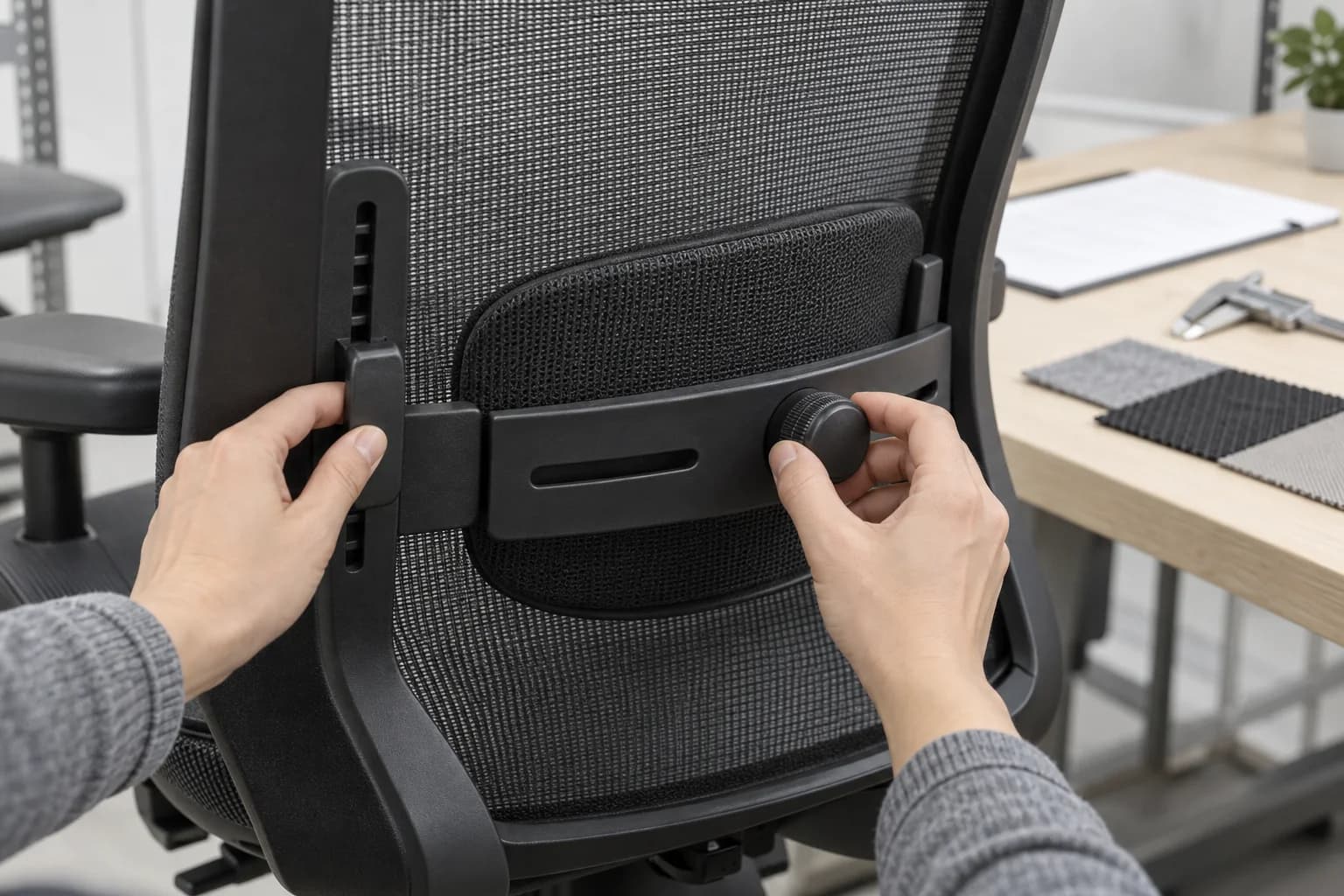
A sample-based lumbar support comparison
Use the same short sequence for a project chair or a brand program so that the approved lumbar system stays attached to the complete configuration.
- 1. Define users and workRecord assigned or shared use, intended user range, desk setup, tasks and any accommodation path that the general chair program cannot cover.
- 2. Name the systemIdentify fixed contour, pad, height, depth, tension or flexible/dynamic behavior and the component version on the exact SKU.
- 3. Map the controlsRecord movement directions, usable range, control location, setting indication and whether adjustments hold through normal sitting and recline.
- 4. Trial the complete chairUse representative users with the intended desk; check the lumbar system together with seat height/depth, backrest, tilt, arms and foot support.
- 5. Review operationsInspect cleaning access, material contact, noise, wear points, component identity, instructions and the service or replacement route.
- 6. Freeze and hand offApprove the chair and lumbar version, sample findings and user instructions; route any later substitution through change control.
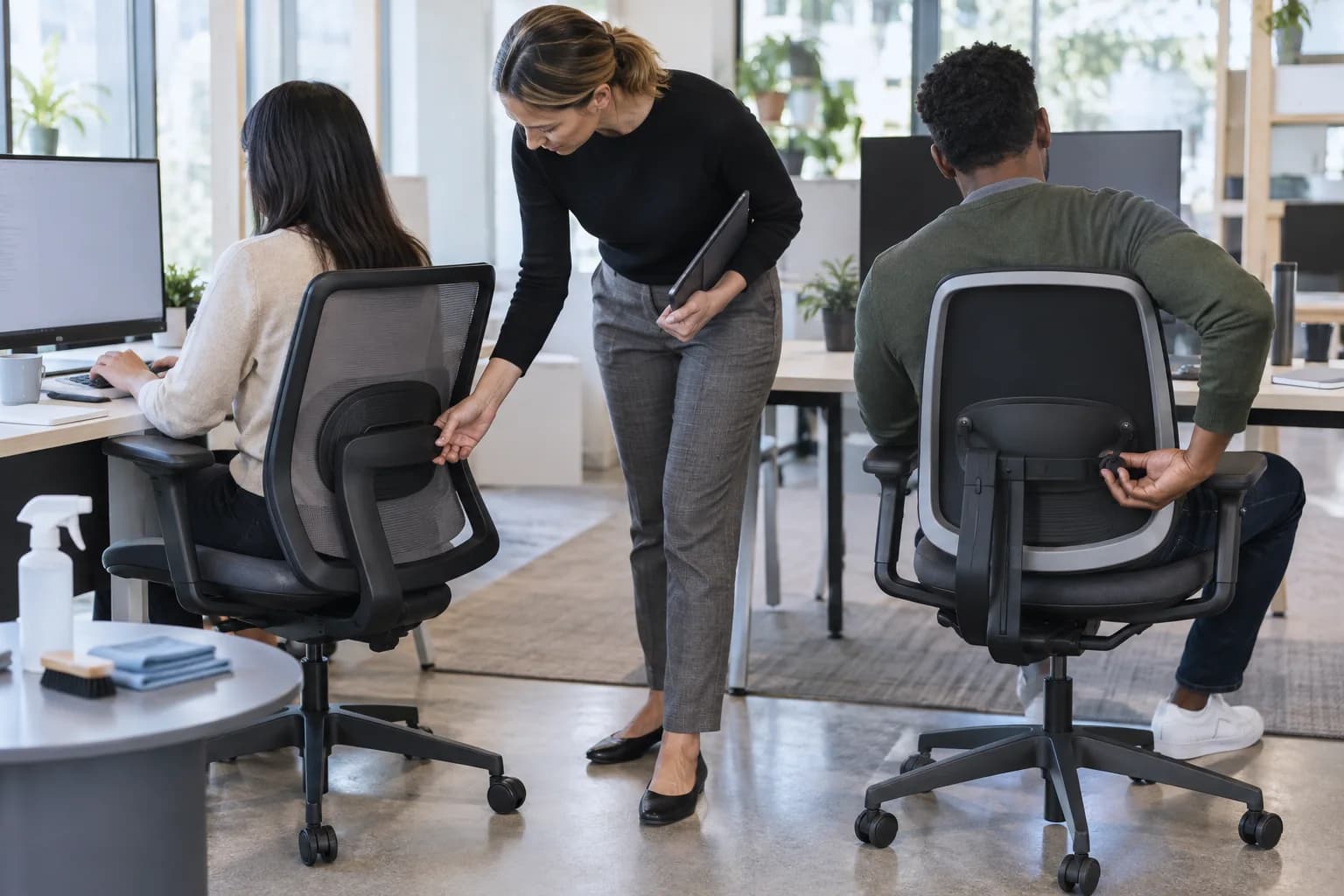
What to Check Before You Order
Lumbar support comparison brief
- Exact chair SKU, backrest and lumbar-component version
- Fixed, height, depth, tension and dynamic/flexible functions actually provided
- Usable adjustment range and measurement/reference method
- Control location, operating force, indication and setting retention
- Interaction with seat height, seat depth, backrest angle and recline
- Backrest material, frame, mesh tension or cushioning around the support zone
- Representative-user trial with the intended desk or workstation
- Shared-use reset, user instruction and alternative-chair route
- Cleaning access, wear/noise checks and serviceable-part identity
- Approved sample, BOM/configuration and substitution-control record
Define the lumbar system at model level
Send the intended users, assigned or shared use, chair reference, adjustment needs, destination and quantity. MENBRO can confirm the lumbar constructions and sample route currently available for selected models.
See the MENBRO Showroom and Product Range
Watch a short introduction to MENBRO's office chairs, standing desks, lounge furniture and showroom. Ask our team for the current details of any model you are considering.
Frequently Asked Questions
What are the main office chair lumbar support types?
Common descriptions include a fixed backrest curve, a fixed pad, a height-adjustable pad, a height-and-depth adjustable pad, and a flexible or dynamic section that changes contact as the user moves. Supplier terminology varies, so request the actual mechanism and adjustment directions.
Is adjustable lumbar support always better than fixed support?
No single type fits every user or application. Adjustment can widen the fitting range, especially in shared seating, but control range, pressure, backrest shape, seat depth and correct use all matter. A well-matched fixed contour can suit a defined user group.
What is the difference between lumbar height and depth adjustment?
Height adjustment moves the support point up or down. Depth adjustment changes how far it projects toward the user or how much contact pressure it creates. Confirm the usable range, control method and whether both settings hold their position during normal chair use.
What does dynamic lumbar support mean?
It usually describes a flexible, sprung, pivoting or tensioned back section intended to change contact as the user moves or reclines. The term is not a standardized performance claim; ask how the selected chair works and evaluate a representative sample.
How should lumbar support be tested for shared workstations?
Use representative users within the intended population, show them how to adjust the chair, and check whether they can find and retain a usable setting with the actual desk. Record outliers and alternative-chair needs instead of claiming one model fits everyone.
Can lumbar support prevent or treat back pain?
This buying guide does not make a medical or treatment claim. Chair fit and adjustability can support a workplace setup, but an individual with pain or a medical condition should use appropriate occupational-health or clinical advice.
References and Further Reading
These references support the product-selection and technical guidance in this article. Product availability and specifications can vary by model and project.
- OSHA workstation chair guidance — Primary workplace guidance on adjustable backrests, lumbar support, user variability and trial before purchase.
- CCOHS ergonomic chair selection — Primary Canadian occupational-safety guidance on fit, backrest support, adjustment and maintenance considerations.
- BIFMA chair measurement device overview — Primary industry context showing that chair dimensions, including lumbar measurements, need defined methods.
- Humanscale Path task chair — Manufacturer example of a self-adjusting back/lumbar approach; cited as one design implementation, not a universal benchmark.