

Quick answer
What should a dealer confirm before displaying a chair sample?
Match the physical chair to a named model and version, record its actual components and finish references, and obtain instructions for the demonstrations staff may perform. State which order configuration it represents and list differences or unknowns. Review condition, label and sales information before release, with an owner for future changes. A showroom sample is not automatic production sign-off, current stock or documentation that every pictured option can be supplied.
Sample-to-order decision table
Complete this comparison for each physical sample. A missing source should produce a question, not a sales claim.
- Identity and received condition
- Actual finish and components
- Model-specific instructions
- Permitted demonstrations
- Confirmed facts on the label
- Explicit representation limits
- Current written model response
- Variant and destination review
- Differences still to resolve
| Item | Physical sample record | Order reference | Action if different |
|---|---|---|---|
| Identity | Sample ID and received model label | Supplier model/SKU and version | Resolve identity before display claims |
| Finish | Named swatch and observed finish | Confirmed material/color reference | Identify illustrative colors separately |
| Components | Visible arms, base and supplied options | Written configuration schedule | List unrepresented differences |
| Demonstration | Instructions supplied for this sample | Functions confirmed for selected version | Hold unfamiliar functions |
| Condition | Arrival record and later visible changes | Agreed sample condition | Assign review or service owner |
| Sales information | Tag, photos and staff notes | Current supplier response | Replace unsupported statements |
| Documents | Named source and applicable coverage | Destination/model document request | Do not imply whole-product certification |
| Release | Named reviewer and open questions | Defined display purpose | Release only the confirmed coverage |
Make the sample answer a specific buyer question
Start with the purpose of the showroom sample. A distributor may want customers to compare the appearance of two finishes, understand a confirmed adjustment or see how a selected chair fits an intended setting. Those are different demonstrations. Write the question before requesting the sample so the supplier can explain whether the proposed configuration can represent it. This is a display-readiness exercise; deciding the breadth of a dealer's entire assortment belongs in a separate range-planning discussion.
A physical chair is persuasive, but its presence does not establish the terms of a future order. Separate the chair on the floor, the information presented beside it and the written configuration the supplier is being asked to quote. This separation is useful when a demonstration model has an option that the intended order does not include. The dealer should be able to describe the difference without promising that either configuration is currently available.
Give the physical chair an identity that survives a staff change
Assign a local sample reference and connect it to the supplier's model, SKU or written reference. Retain the arrival date, source correspondence and any version information supplied. Photograph the complete chair and relevant identification labels without publishing customer details. A local tag is useful for finding the record; it does not replace a missing manufacturer's identity. If the received item differs from the requested sample, preserve both references until the supplier resolves the discrepancy.
Keep the record with the display inventory rather than in one salesperson's memory. A new colleague should be able to find the applicable instruction, distinguish the sample from nearby chairs and identify the person handling questions. When the supplier has not provided a version code, record that absence and ask which dated specification should control the conversation.
Describe what is present and what is only an option
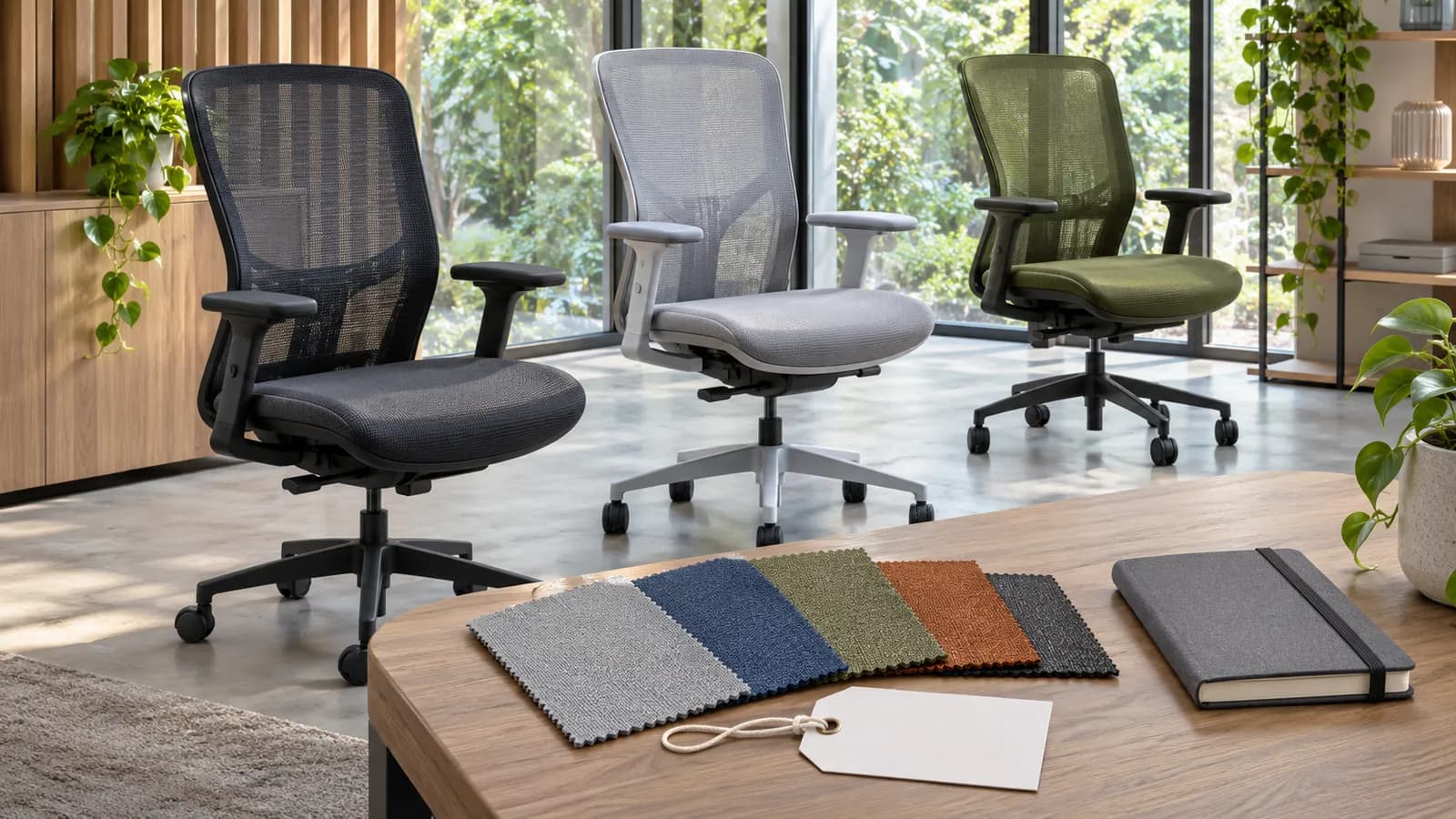
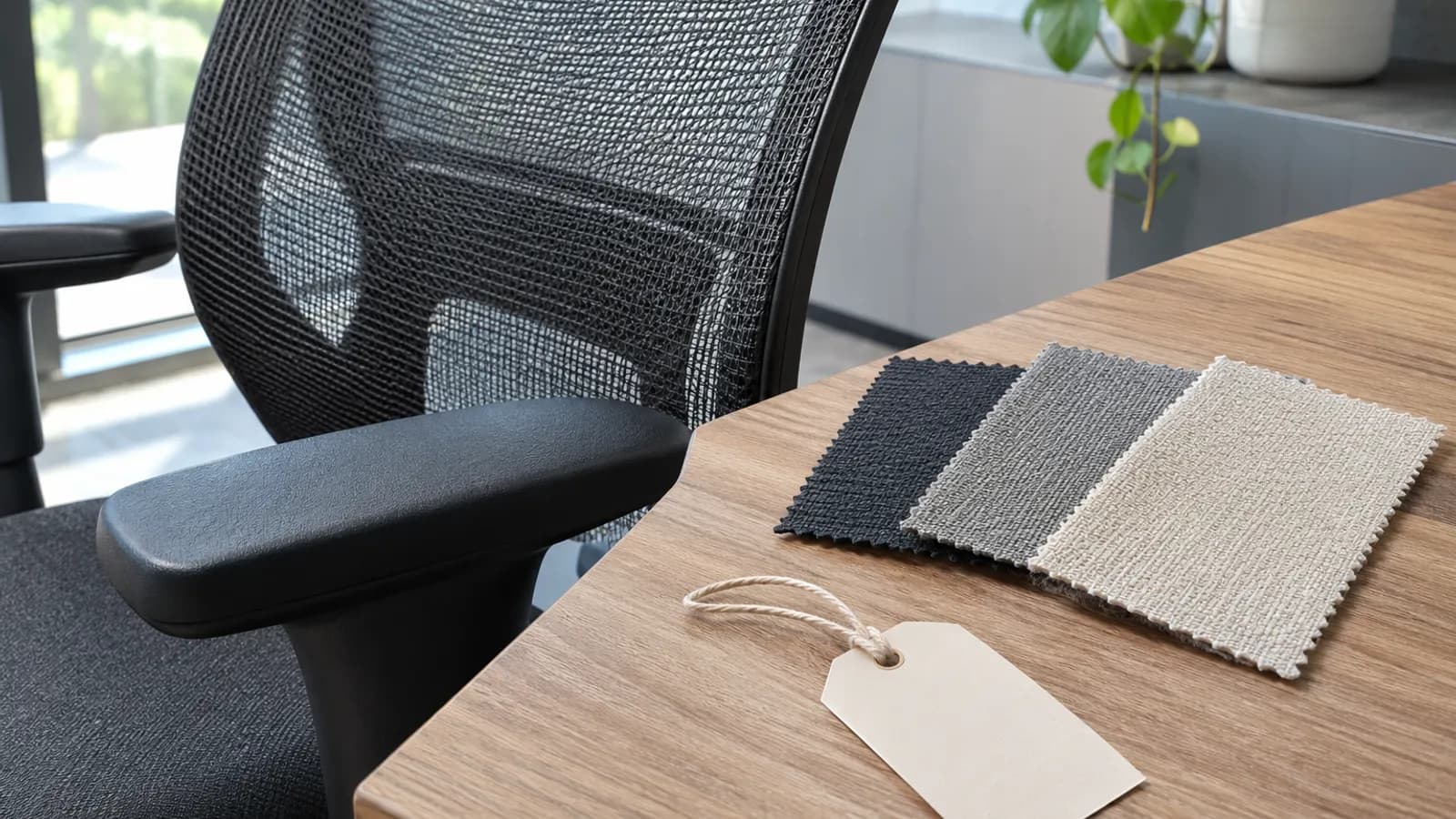
Record the supplied finish, upholstery reference and visible configuration using the available manufacturer descriptions. Keep actual swatches identified separately from screen images. Lighting, photography and display settings can affect appearance, so do not promise a color match solely from an online image. If an exact finish matters to a customer, request the appropriate confirmed physical reference and the applicable sign-off process.
A sample with one arm, base or mechanism does not demonstrate the behavior of an alternative. Build a short difference list beside the order reference: physically represented, separately documented, or still to confirm. This is more useful than labelling the entire family as approved. Do not remove or exchange parts to simulate an option unless the manufacturer has expressly provided the applicable method and authorization.
Prepare a demonstration staff can explain consistently
Obtain the instructions for the actual sample. Staff should know which controls may be shown, how to explain the intended operation from those instructions and where questions should go. This guide does not supply operating methods, adjustment ranges or safety tests. If a control behaves unexpectedly, stop the affected demonstration and refer it to the supplier or qualified service contact rather than experimenting in front of a visitor.
Separate a customer's preference from a technical conclusion. A visitor can describe how a sample feels to them, but that feedback does not establish health benefits, durability, suitability for every user or compliance. Record the question and the configuration involved. Refer specialist requirements to the appropriate product documentation and responsible reviewer instead of converting a positive showroom reaction into a performance claim.
Check the label and every place that repeats it
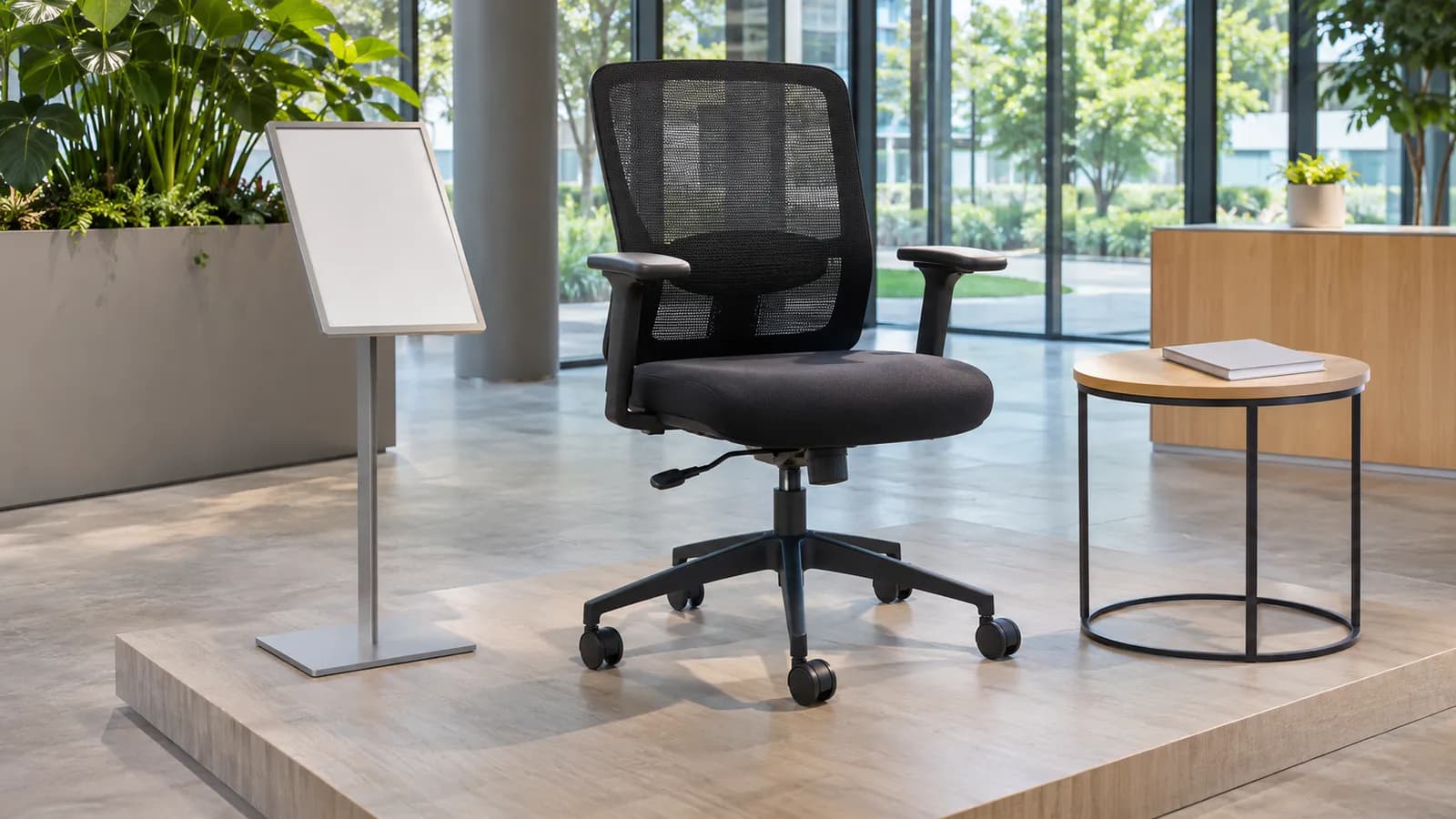
The display label should help a buyer identify the chair and ask an accurate question. Include the sample reference, the represented model/configuration and a route to current details. If a feature is not confirmed, omit the claim or identify it as awaiting confirmation. Avoid unsupported badges, certification logos, bestseller language and stock statements. A request category in a document center does not establish that a matching original report has been published.
Review the showroom card, dealer website, downloadable sheet and staff quotation notes together. An old image can remain useful for identification while an old description has become inaccurate. Name the source and date for the statements the dealer is authorized to use. When branding or supplier photography is requested, confirm usage rights rather than assuming a product enquiry grants unrestricted marketing permission.
Use a hold decision when the sample cannot support the claim
Consider a fictional dealer who receives the requested chair shape but cannot identify the fabric or supplied control version. The team can record the arrival and ask for clarification; it should not release a tag claiming the intended upholstery and functions. A useful hold identifies the precise missing record, the person who will obtain it and the decision it prevents. It does not require abandoning every other confirmed part of the evaluation.
If visible damage, loose-looking parts or unusual movement raises a safety concern, remove the affected sample from customer use and follow the maker's service route. Do not add generic tightening, lubrication or disassembly instructions to a sales checklist. Cleaning products, methods and inspection intervals also need the selected material/model instructions and the actual showroom conditions.
Keep the display current without assuming a maintenance interval
Choose review triggers from the sample's use, manufacturer instructions and showroom responsibilities. Useful triggers include new supplier information, a changed label, a customer-reported issue, a moved display or a proposed replacement. This is not a universal calendar interval. Record what was checked and which information changed so the next person can distinguish an administrative update from a physical change to the chair.
Before retiring a sample, link its record to the replacement and review any open enquiry that refers to it. The new chair may look similar while representing another configuration. Keep historical photographs and correspondence in the dealer's agreed records. Ask the supplier about supported replacement or service options for the named version; do not promise indefinite parts supply or continuity of finishes.
From sample request to display release
Give each step an owner. A completed display review does not replace a separate purchase agreement or production sample decision.
- 1. Define the purposeState the customer question, intended display setting and selected product reference. Ask what the proposed sample can actually represent.
- 2. Confirm the arrangementRequest the exact sample configuration, documents, charges, shipping and any return conditions in writing. Keep unknowns open.
- 3. Receive and identifyMatch the item and available labels to the request, record visible condition and refer discrepancies to the named supplier contact.
- 4. Prepare the demonstrationUse the applicable instructions, confirm the permitted functions and identify facts the display cannot demonstrate.
- 5. Release the informationReview the tag, photos and staff notes against the confirmed configuration. Record release, revise or hold and its reasons.
- 6. Maintain the linkAssign review triggers and a change owner. Recheck affected enquiries whenever the sample or its represented order configuration changes.
What to Check Before You Order
Before the sample reaches the showroom floor
- Record the local sample reference and supplier model/version source.
- State the demonstration purpose and intended buyer question.
- List physically represented components and separate unrepresented options.
- Identify finishes and swatches without relying on screen color alone.
- Match operating and care information to the actual sample.
- Record visible condition and unresolved discrepancies.
- Check the label, photos and staff notes for unsupported promises.
- Name the display-release owner and the person handling future changes.
Editable showroom sample record
Fill this record privately. It is not submitted or stored by this page. Copy and print include your current edits.
Ask about the exact sample you want to display
Send the selected product or reference, display purpose, destination and buying window. Identify which configuration questions still need a written answer before the sample is used in sales conversations.
See the MENBRO Showroom and Product Range
Watch a short introduction to MENBRO's office chairs, standing desks, lounge furniture and showroom. Ask our team for the current details of any model you are considering.
Frequently Asked Questions
What should an office chair showroom sample checklist include?
Record the sample identity, selected model and version, visible configuration, finish references, approved demonstration instructions, condition, sales-label information, differences from the orderable configuration and the person responsible for release. Keep open questions visible rather than assuming a photograph identifies the complete chair.
Is a showroom chair also a production golden sample?
Not automatically. A showroom sample supports a defined customer demonstration. A production reference requires its own agreed configuration, sign-off purpose and agreed records. Record any relationship explicitly; do not use a display tag to approve all variants or later production batches.
Can one sample represent different colors and mechanisms?
Only within a written representation boundary. Identify which features are physically present and which are described by separate confirmed materials or drawings. A color swatch cannot demonstrate another mechanism, and a similar photograph cannot establish component compatibility or availability.
Which chair functions should staff demonstrate?
Demonstrate only the functions confirmed for that exact chair using the applicable manufacturer instructions. Do not infer adjustment behavior from another model. An unfamiliar, damaged or abnormal sample should be held from the affected demonstration until the responsible supplier or qualified person clarifies its status.
Does a displayed sample prove current availability?
No. The dealer should request current availability, variant coverage, commercial terms and destination documentation for the proposed order. A sample may remain on display after a configuration changes, so date the information and assign someone to update it when written supplier information changes.
What should happen when a display sample changes?
Log the affected sample, configuration, reason and supporting supplier record. Review its label, online listing, staff notes and any open quotations that relied on it. Release the revised display coverage only after the differences are resolved; do not silently substitute a similar-looking chair.
How can a dealer request a MENBRO showroom sample?
Send the actual product URL or reference, the intended display purpose, requested configuration, destination and buying window. Ask for written confirmation of sample availability, charges, preparation and shipping arrangements. This checklist does not promise a free sample, universal return policy or a particular dispatch date.
References and Further Reading
These references support the product-selection and technical guidance in this article. Product availability and specifications can vary by model and project.
- Branch showroom guide — Manufacturer context on physical product displays and location-specific ranges.
- Steelcase buying guide — First-party dealer and showroom buying routes; no affiliation or shared terms implied.
- BEVCO sample program — Example of a supplier-specific sample arrangement; its commercial terms are not MENBRO terms.