

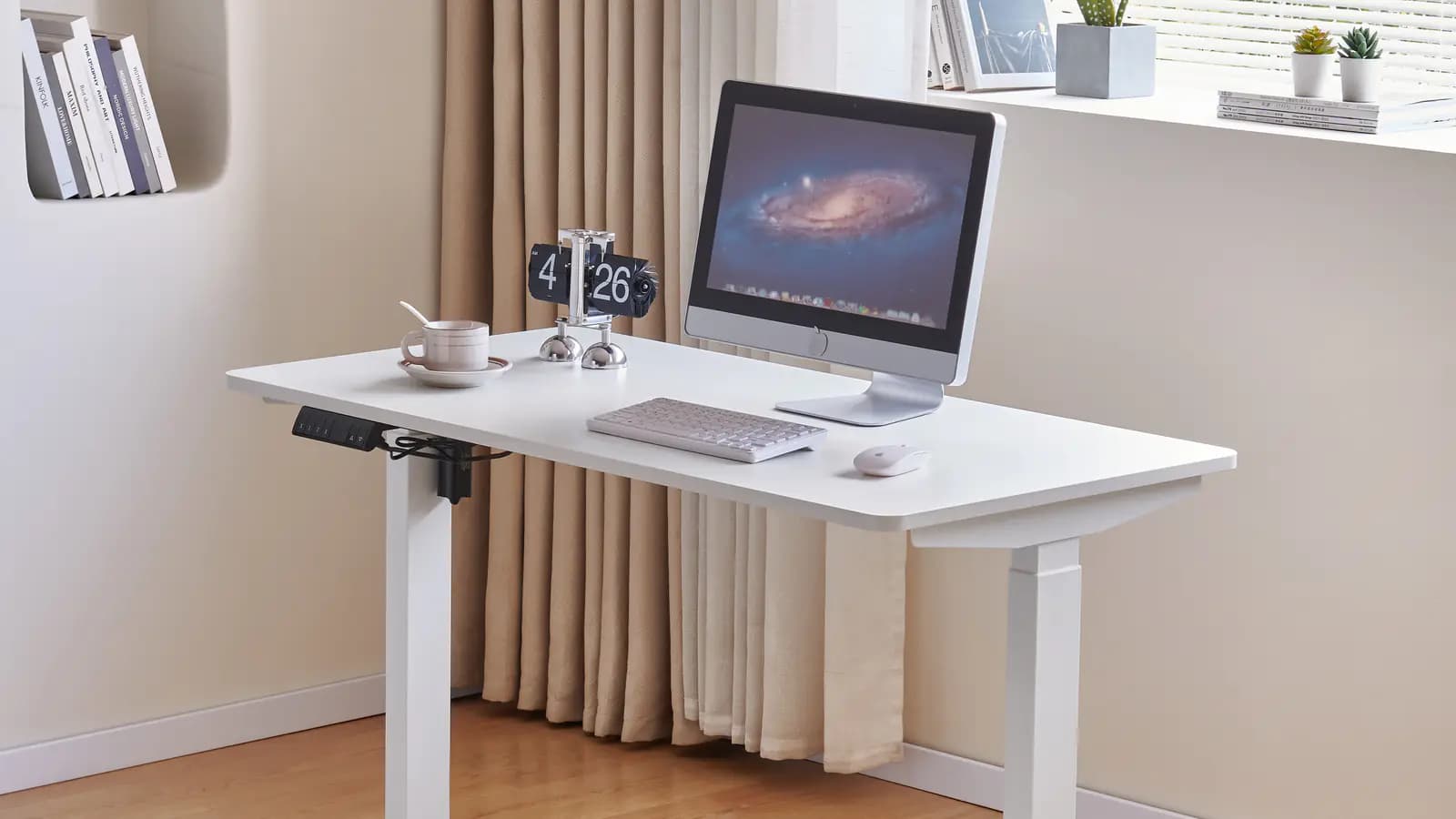
Quick answer
How should a commercial buyer choose between 2-stage and 3-stage standing desk columns?
Do not choose from the label alone. First define the intended user-height range and desktop/frame configuration; then review the column arrangement, motor and controller architecture, selected SKU, sample behavior and applicable documentation as one system. A 3-stage desk is not automatically more stable, safer or higher quality, and a 2-stage desk is not automatically inadequate.
Compare the buying questions, not a universal quality ranking
The table is a decision framework. Stage terminology does not replace the current product drawing, sample and documentation for the selected standing-desk configuration.
| Specification question | 2-stage request | 3-stage request | Buyer sign-off action |
|---|---|---|---|
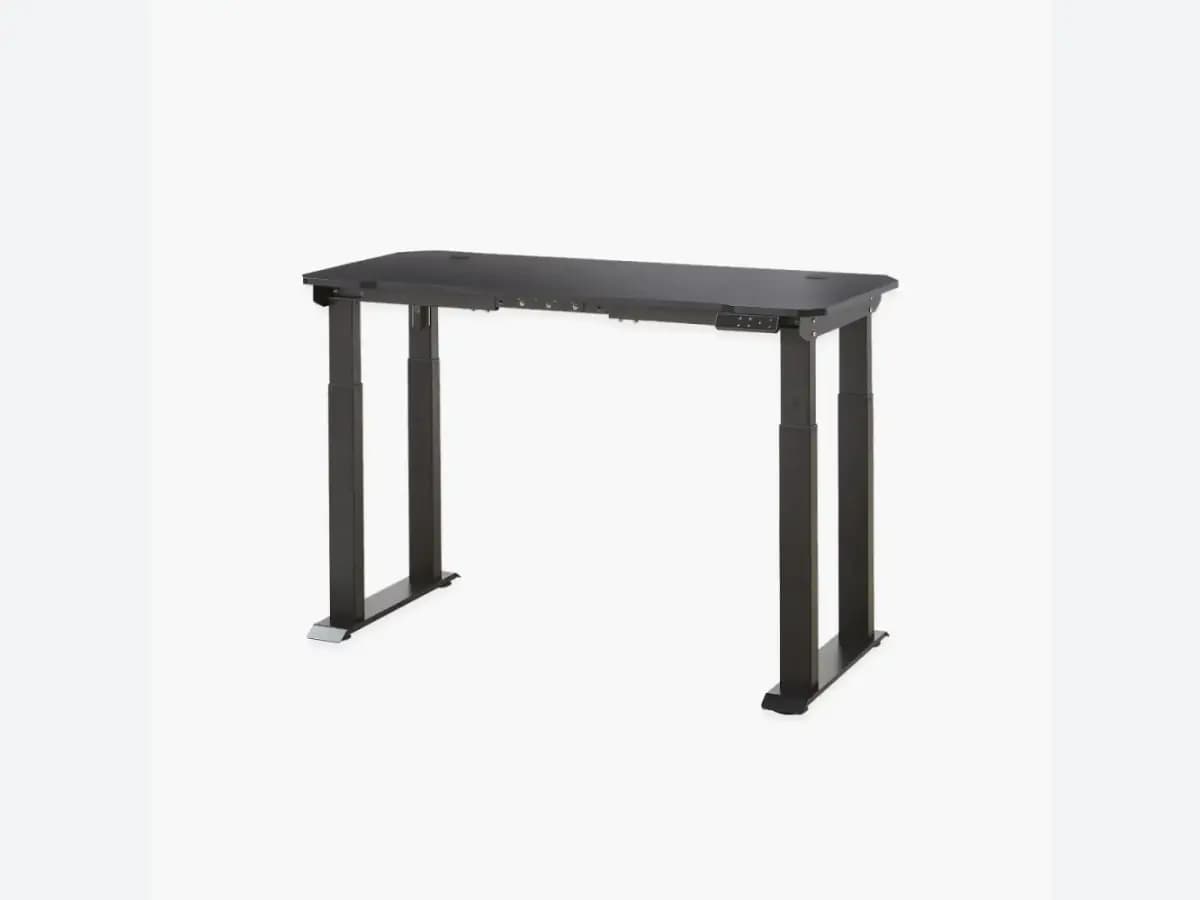
| What the label identifies | Two telescoping column sections | Three telescoping column sections | Record the exact column and complete desk SKU; do not infer performance from the label |
| Height-fit brief | Target seated and standing user requirements must be mapped to the selected desk | Target seated and standing user requirements must be mapped to the selected desk | Confirm the required range and intended users against the current SKU drawing and sample |
| Complete structure | Frame, crossbeam, desktop, number of legs, motor and controller remain separate inputs | Frame, crossbeam, desktop, number of legs, motor and controller remain separate inputs | Approve the entire configuration, not the columns in isolation |
| Documentation request | Ask for the applicable specification and test-document coverage | Ask for the applicable specification and test-document coverage | Check the issuer, date, conditions and SKU/configuration named in every file |
Column sections must be read with the full lifting system
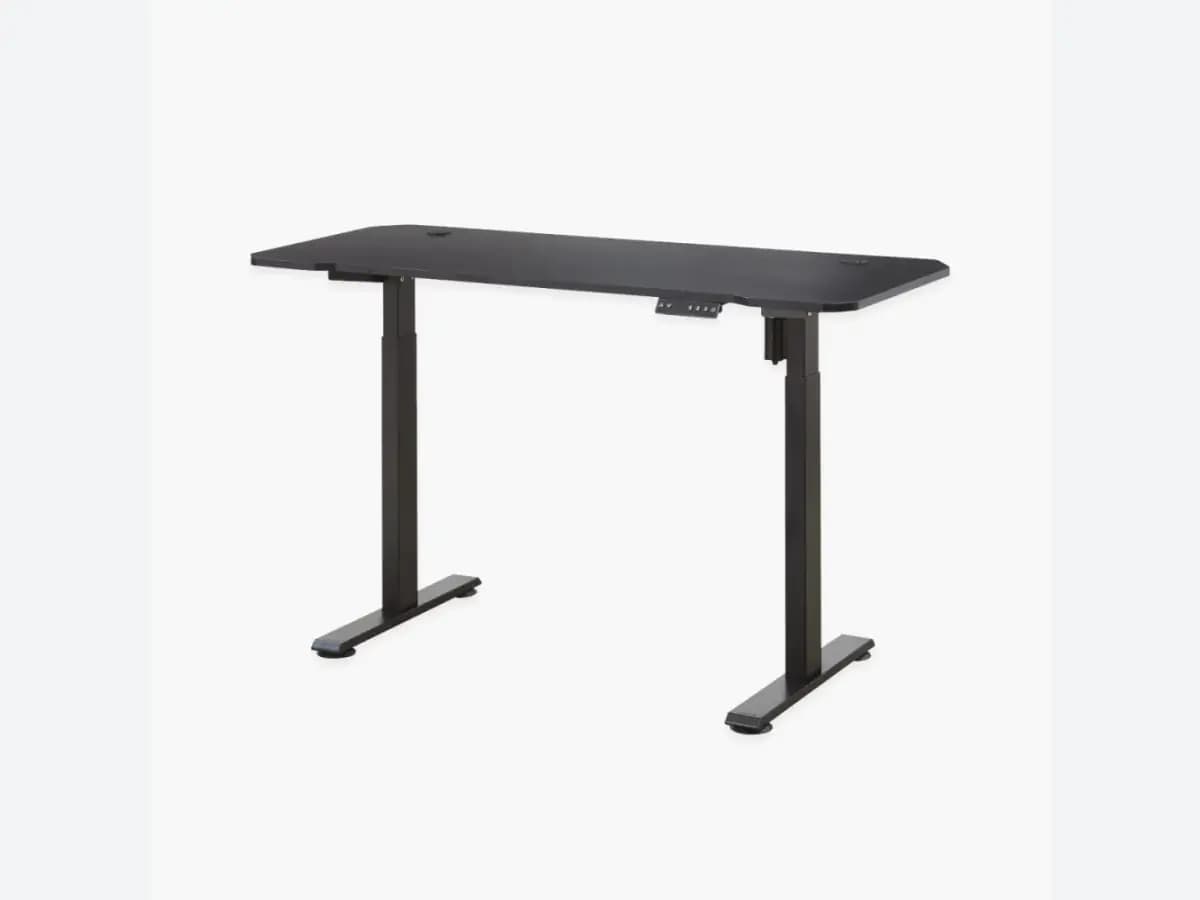
A buyer will often receive a quotation that simply says “2-stage” or “3-stage.” The useful next question is not which label sounds more premium; it is whether the chosen desk reaches the intended use condition with the selected desktop, frame, legs, drive system and controller. A stage count describes the telescoping-column arrangement. It does not, on its own, establish usable height range, load capacity, stability, speed, noise, service life or product conformity.
ANSI/BIFMA X5.5-2021 covers desk and table products, including height-adjustable tables within its stated coverage. IEC 60335-2-116:2025 addresses safety for furniture with electrically motorized parts, including height-adjustable tables and desks within its coverage. Neither standard title proves that an unnamed desk or a column alone meets a project requirement. Ask for the selected SKU, the complete configuration and the current documentation coverage.
MENBRO presents single-, dual- and quad-motor height-adjustable desks and workstation formats. For a live project, MENBRO can map the requested desktop, layout, column arrangement, motor/controller configuration and documentation request to an available SKU or development brief. The resulting feasibility, sample route and records are confirmed for that configuration—not assumed across the catalog.
Move from a height brief to an approved SKU
This buyer flow prevents a stage label from being approved before the desk system has been defined. It does not prescribe a universal performance result.
- 1. Define the target useState the intended user group, seated and standing task, desk format, workspace constraints and required desktop dimensions.
- 2. Freeze the desktop and frame inputsList desktop material and size, legs, frame/crossbeam, cable route, mounted equipment and any layout or privacy-screen requirement.
- 3. Identify the column, drive and controlsConfirm the requested column-stage arrangement separately from motor count, number of lifting points, controller functions and safety features.
- 4. Review a representative sampleCheck the selected configuration against the project brief, including movement, fit, appearance, controls, assembly and packaging expectations.
- 5. Lock the current technical fileAttach the SKU, version, drawing, chosen configuration, applicable documentation, sample sign-off and change-control route to the RFQ or purchase order.
What to Check Before You Order
Standing-desk column fields to add to an RFQ
- Selected SKU or reference desk format and intended application
- Target user-height and workstation-fit requirements
- Desktop material, dimensions, weight and mounted equipment
- Frame, crossbeam, legs/columns, motor and controller configuration
- Required operating, safety or destination-market documentation
- Sample review points and any project-specific acceptance criteria
- Required packaging, quantity, destination and target date
- Drawing, sample and document version-control process
Turn a column request into a complete desk brief
Send the preferred SKU or reference, intended users, desktop dimensions and weight, layout, controller needs, quantity, destination, required documents and target date. MENBRO will review the applicable structure, sample route and current configuration coverage.
See the MENBRO Showroom and Product Range
Watch a short introduction to MENBRO's office chairs, standing desks, lounge furniture and showroom. Ask our team for the current details of any model you are considering.
Frequently Asked Questions
What is the difference between a 2-stage and 3-stage standing desk column?
The labels describe the number of telescoping column sections. They do not, by themselves, define the usable height range, stability, load rating, motor architecture, speed or product quality. Confirm those requirements for the exact desk SKU and complete configuration.
Is a 3-stage standing desk always better than a 2-stage desk?
No. The appropriate structure depends on the intended user-height range, desktop and frame configuration, application, workspace geometry, controller and the documentation required for the selected SKU. A sample review should test the brief rather than treat the stage count as a quality ranking.
Does the column stage count tell me how many motors or legs a desk has?
No. Stage count, number of lifting columns, number of motors and controller functions are separate design variables. Request the frame drawing or specification for the exact model so that these items are not mixed together.
What should be checked on a standing desk column sample?
Check the selected SKU, desktop size and weight, frame geometry, column arrangement, controller, cable route, intended height range, lift behavior, appearance, packaging and any applicable document request. Record the approved configuration and version before production.
Can MENBRO review a 2-stage or 3-stage desk request?
Yes. MENBRO can review a selected standing-desk model or reference against the required dimensions, desktop, motor and controller configuration, quantity, destination, target date and documentation needs. Feasibility and the current documentation package are confirmed by SKU and project brief.
References and Further Reading
These references support the product-selection and technical guidance in this article. Product availability and specifications can vary by model and project.
- BIFMA standards short descriptions — Primary context for ANSI/BIFMA X5.5-2021 and its stated desk/table scope, including height-adjustable tables; it is not a MENBRO conformity claim.
- IEC 60335-2-116:2025 — Primary standard-page context for electrically motorized furniture, including height-adjustable tables/desks within the published scope; project applicability must be confirmed.
- UL Solutions: height-adjustable desks — Independent safety-evaluation context for electrically adjustable desks; it does not prove certification or performance for MENBRO products.
- MENBRO Standing Desk Manufacturer — Current MENBRO product and enquiry pathway; model-specific requirements are confirmed by SKU.